我是靠谱客的博主 自觉酸奶,这篇文章主要介绍Anaconda里的jupyter notebook代码补全功能安装nbextensions安装nbextensions_configurator,现在分享给大家,希望可以做个参考。
windows环境下,实现Anaconda里的jupyter notebook代码补全功能。
打开Anaconda prompt
安装nbextensions
输入:
pip install jupyter_contrib_nbextensions
jupyter contrib nbextension install --user
安装nbextensions_configurator
输入:
pip install jupyter_nbextensions_configurator
jupyter nbextensions_configurator enable --user
重启jupyter notebook,点击Nbextensions。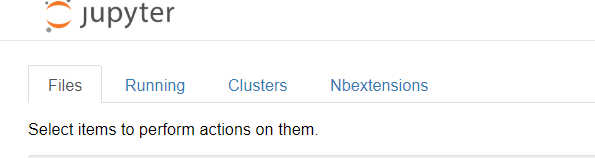
勾选hinterland。
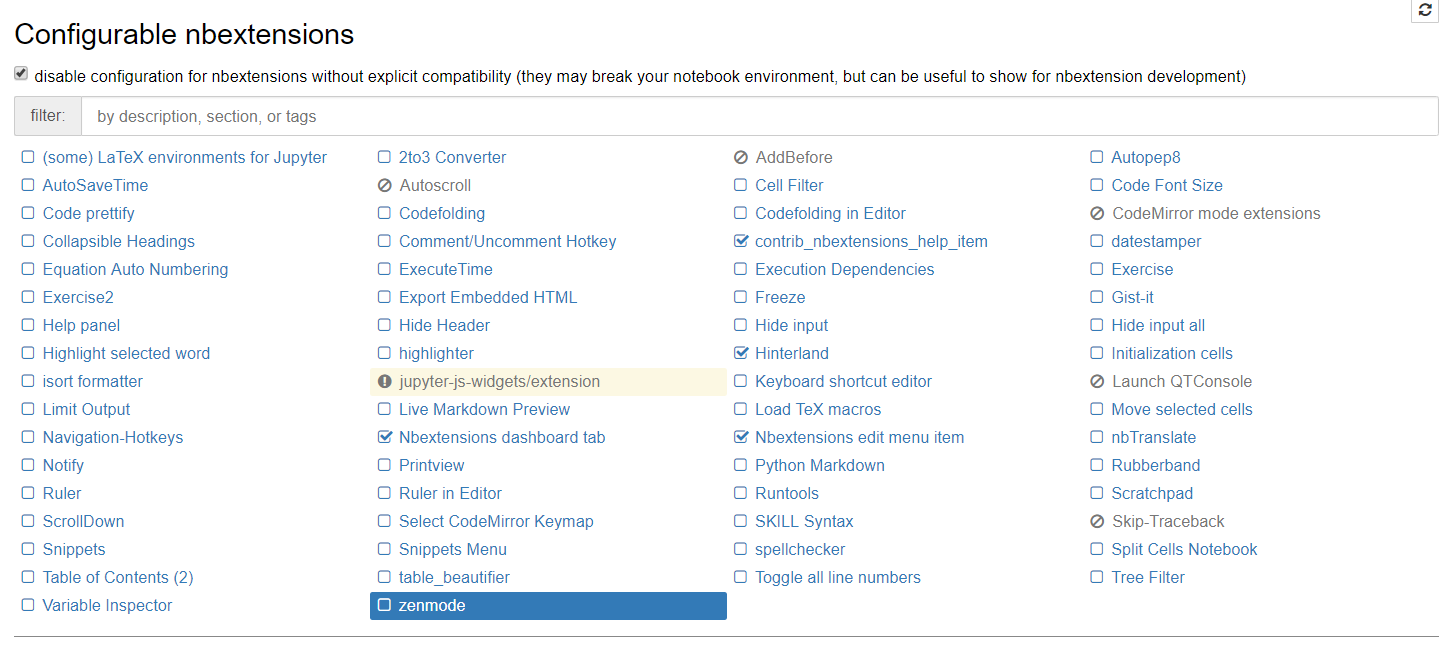
注意:
我的anaconda下配置了两个版本的python。在安装nbextensions和nbextensions_configurator这两个包时,我是在默认python版本下安装的。
当切换到另一个python版本后再打开jupyter notebook时,Nbextensions这个标签页并没有显示出来,需要在默认python版本时,才会显现。
参考:
张欢19933:Anaconda 代码自动补全
最后
以上就是自觉酸奶最近收集整理的关于Anaconda里的jupyter notebook代码补全功能安装nbextensions安装nbextensions_configurator的全部内容,更多相关Anaconda里的jupyter内容请搜索靠谱客的其他文章。
本图文内容来源于网友提供,作为学习参考使用,或来自网络收集整理,版权属于原作者所有。








发表评论 取消回复