代码如下:
<!DOCTYPE html>
<html>
<head>
	<meta charset="utf-8">
	<meta name="viewport" content="width=device-width, initial-scale=1">
	<title>简单导航栏案例</title>
	<style type="text/css">
		/*1.变化样式 有大小 一行显示 我们想到了行内块元素*/
		a {
			width: 100px;
			height: 30px;
			background: red;
			display: inline-block;
			text-align: center;
			color: #fff;
			text-decoration: none;
		}
		/*鼠标经过 变换底色和文字的颜色*/
		a:hover{
			background-color: orange;
			color: yellow;
		}
	</style>
</head>
<body>
	<a href="">新闻</a>
	<a href="">体育</a>
	<a href="">汽车</a>
	<a href="">娱乐</a>
</body>
</html>
效果展示:
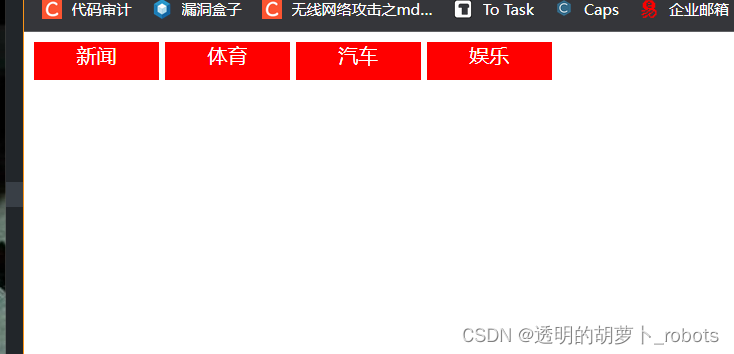
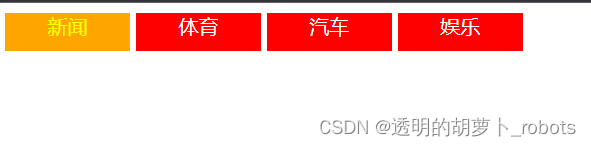
鼠标放上去之后效果变换的效果:
最后
以上就是专注酒窝最近收集整理的关于简单导航栏案例的全部内容,更多相关简单导航栏案例内容请搜索靠谱客的其他文章。
本图文内容来源于网友提供,作为学习参考使用,或来自网络收集整理,版权属于原作者所有。








发表评论 取消回复