这篇教程介绍如何在应用程序中进行拍摄照片,并将照片添加到APP中。
创建一个UIkit的框架项目
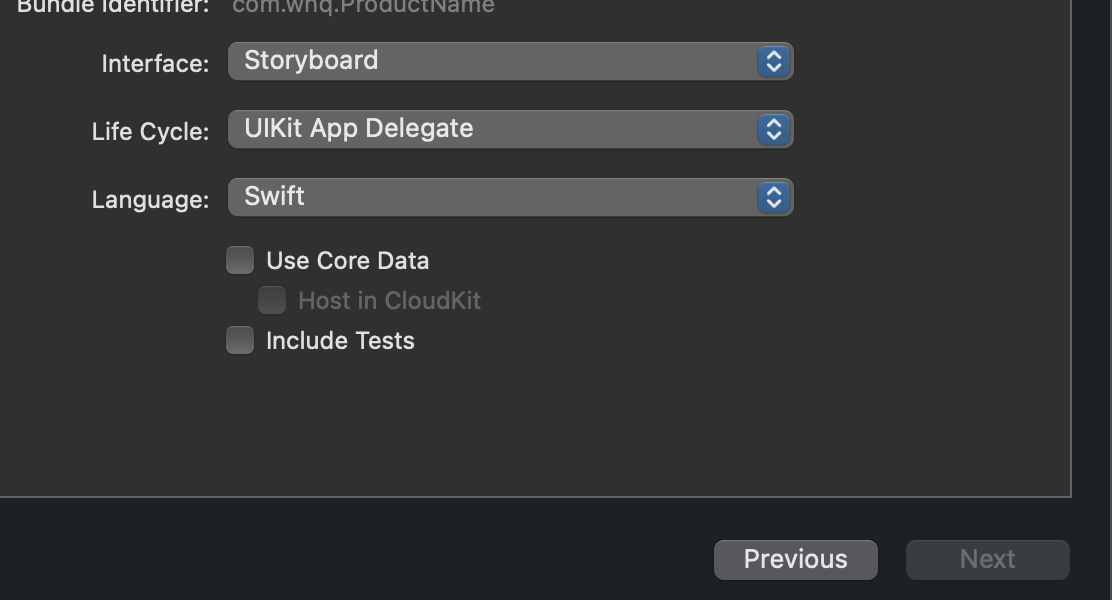
一、info.list
申请权限
Privacy - Camera Usage Description
二、代码
//
//  ViewController.swift
//  TakingPictures
//
//  Created by whq on 2021/8/15.
//

import UIKit

class ViewController: UIViewController {
    @IBOutlet var imageView : UIImageView!
    @IBOutlet var button : UIButton!

    override func viewDidLoad() {
        super.viewDidLoad()
        imageView.backgroundColor = .secondarySystemBackground
        button.backgroundColor = .systemBlue
        button.setTitle("Take picture", for: .normal)
        button.setTitleColor(.white, for: .normal)
    }

    @IBAction func didTapButton(){
        let picker = UIImagePickerController()
        picker.sourceType = .camera
        picker.allowsEditing = true
        picker.delegate = self
        present(picker, animated: true)
    }


}
extension ViewController :UIImagePickerControllerDelegate,UINavigationControllerDelegate{
    func imagePickerControllerDidCancel(_ picker: UIImagePickerController) {
        picker.dismiss(animated: true, completion: nil)
    }
    func imagePickerController(_ picker: UIImagePickerController, didFinishPickingMediaWithInfo info: [UIImagePickerController.InfoKey : Any]) {
        picker.dismiss(animated: true, completion: nil)
        guard let image = info[UIImagePickerController.InfoKey.editedImage] as? UIImage else{
            return
        }
        imageView.image = image
    }
}
三、main.storyboard
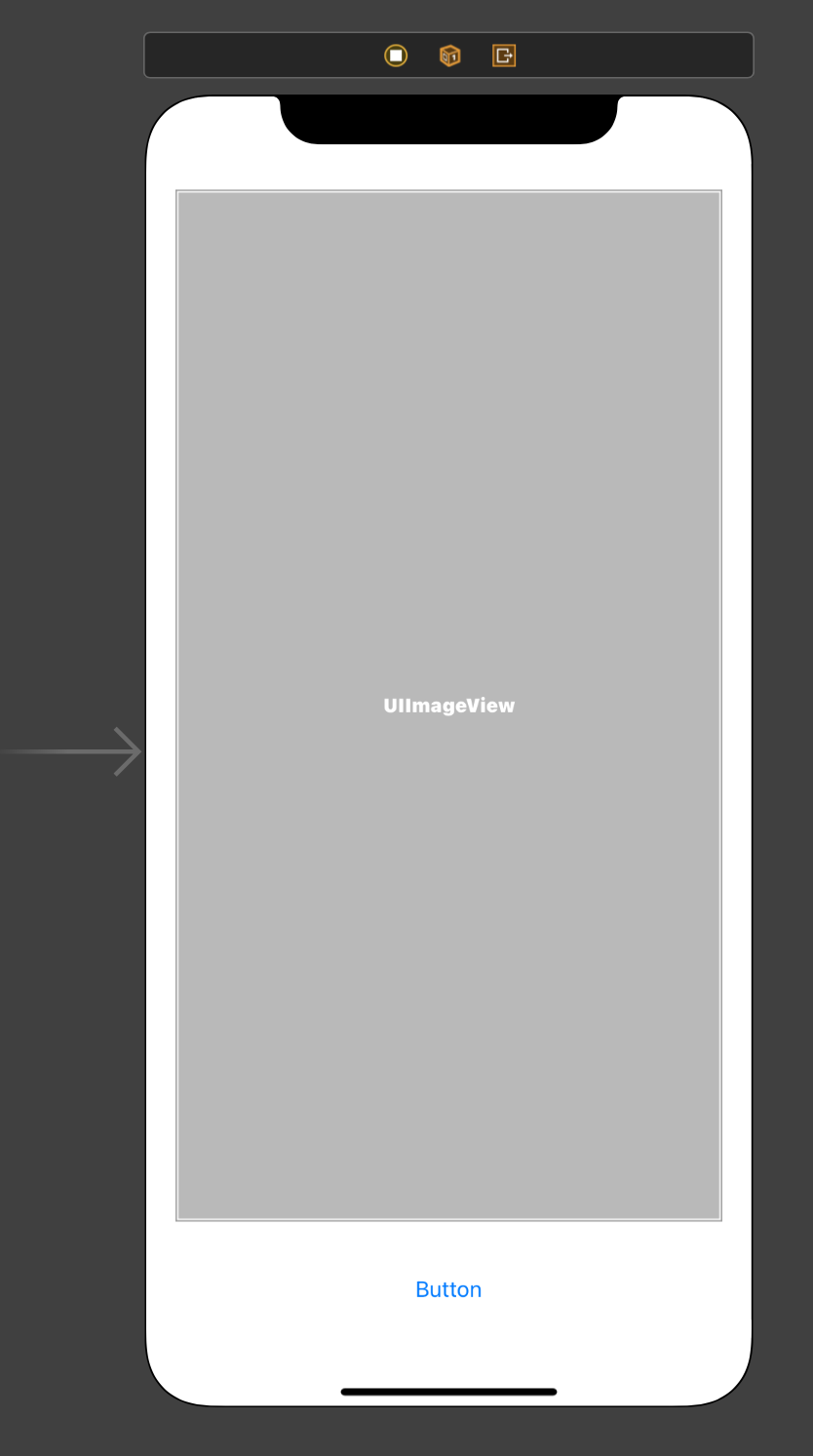
自行绑定
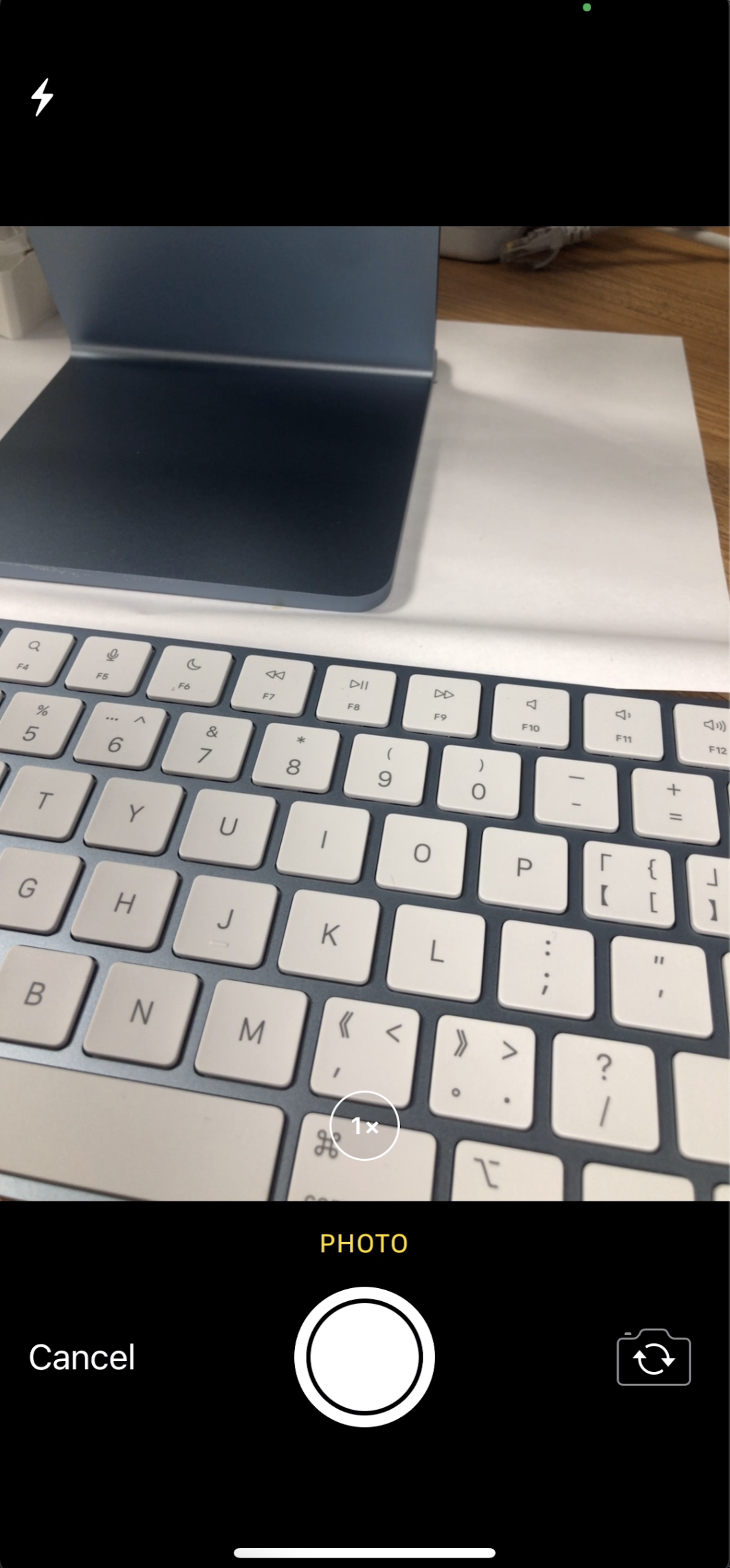
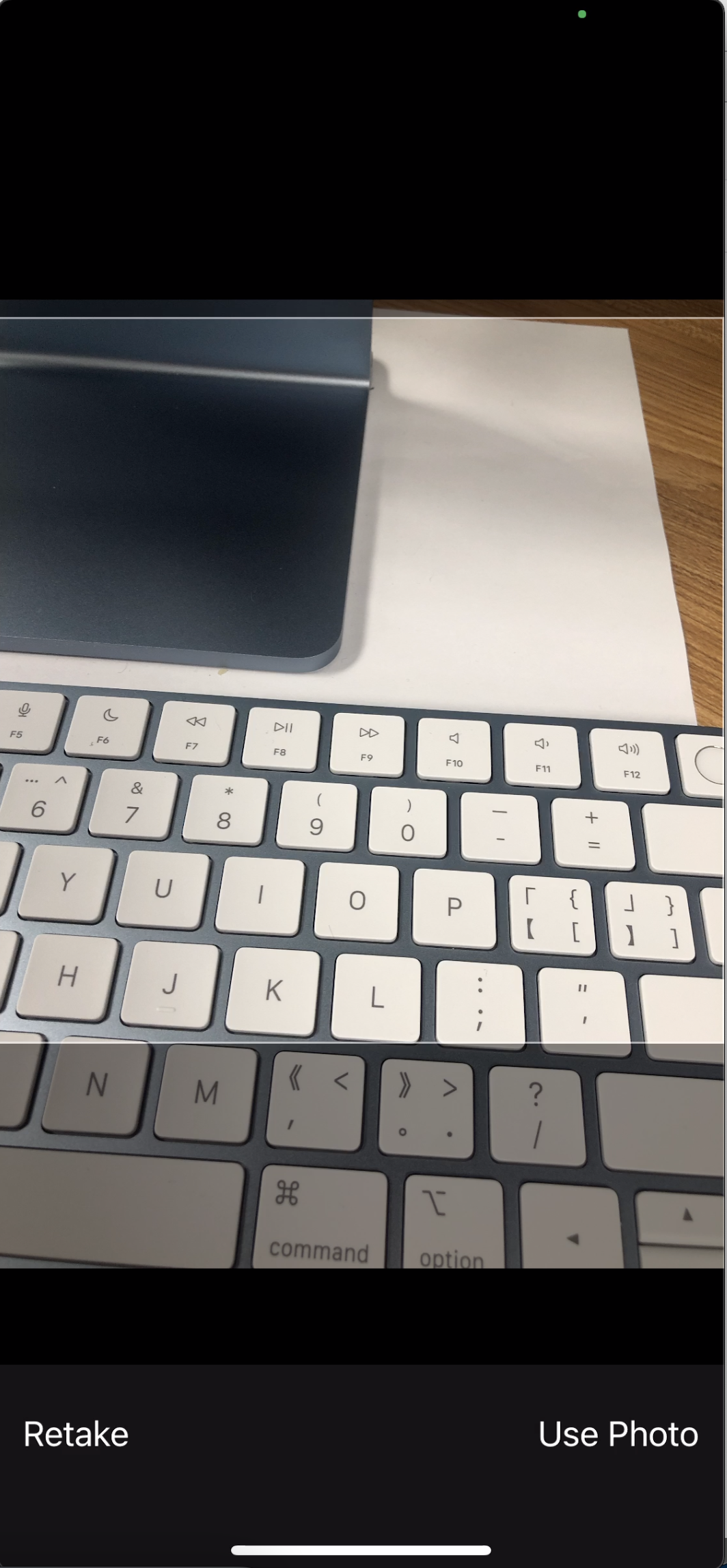
这样效果就出来了!
最后
以上就是粗心大地最近收集整理的关于swift使用相机拍照一、info.list二、代码三、main.storyboard的全部内容,更多相关swift使用相机拍照一、info内容请搜索靠谱客的其他文章。
本图文内容来源于网友提供,作为学习参考使用,或来自网络收集整理,版权属于原作者所有。








发表评论 取消回复