首先需要在 vue项目上  安装 vuex 与 vuex-persistedstate


npm i vuex


npm install --save vuex-persistedstate
1. 在 src 目录下 创建 "store" 文件夹
2. 在store 文件夹下 创建 自定义 " index.js" 文件
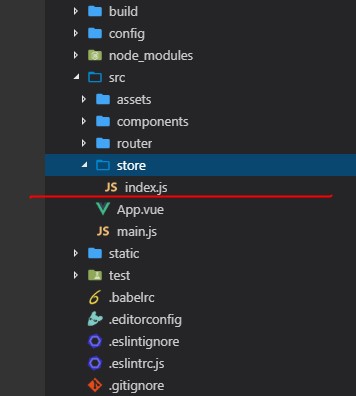
3.在 index.js 中 import 引入 vue , vuex , persistedstate 并且使用use 方法是用 Vuex
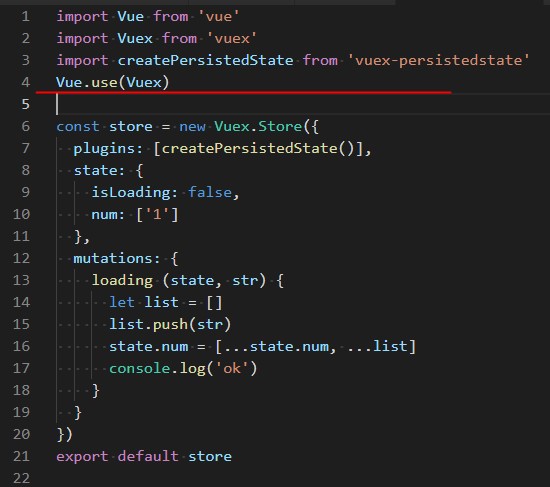
4. 在store对象内 plugins: [createPersistedState()], 使用 persistedstate 组件
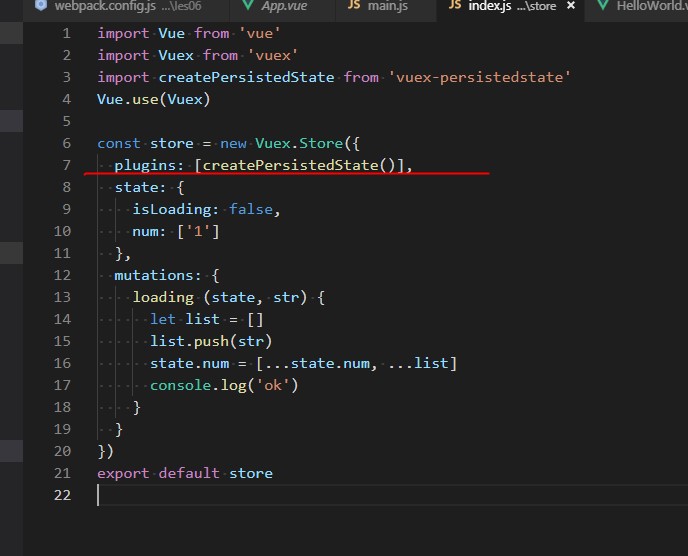
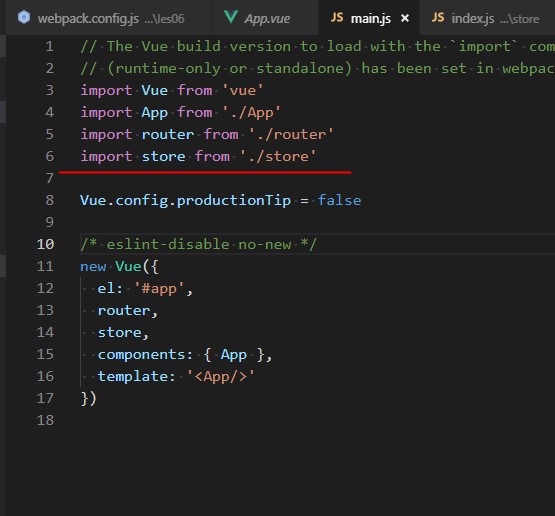
5.把store文件夹 引入 main.js 中
最后 可以用 以下方法 访问到数据 , console.log(this.$store) 看下就明白了
this.$store.state
this.$store.commit('函数名','需要传的参数')
import Vue from 'vue'
import Vuex from 'vuex'
import createPersistedState from 'vuex-persistedstate'
Vue.use(Vuex)

const store = new Vuex.Store({
  plugins: [createPersistedState()],
  state: {
    isLoading: false,
    num: ['1']
  },
  mutations: {
    loading (state, str) {
      let list = []
      list.push(str)
      state.num = [...state.num, ...list]
      console.log('ok')
    }
  }
})
export default store
最后
以上就是尊敬石头最近收集整理的关于Vue 如何利用 vuex 永久储存数据的全部内容,更多相关Vue内容请搜索靠谱客的其他文章。
本图文内容来源于网友提供,作为学习参考使用,或来自网络收集整理,版权属于原作者所有。








发表评论 取消回复