1:创建空的MAVEN项目
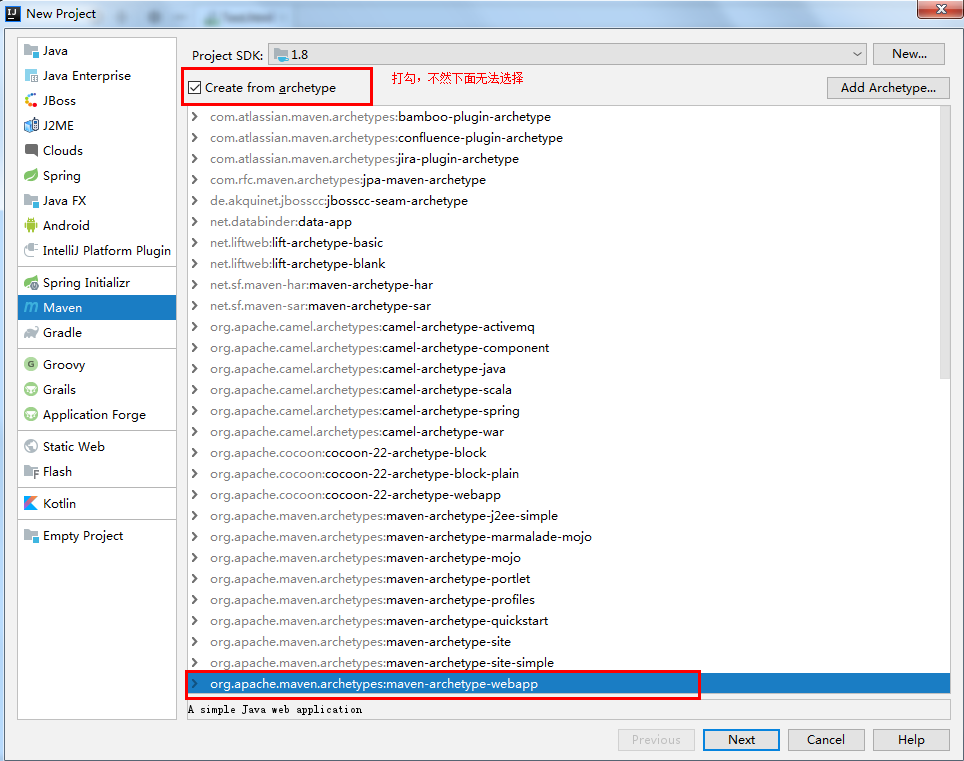
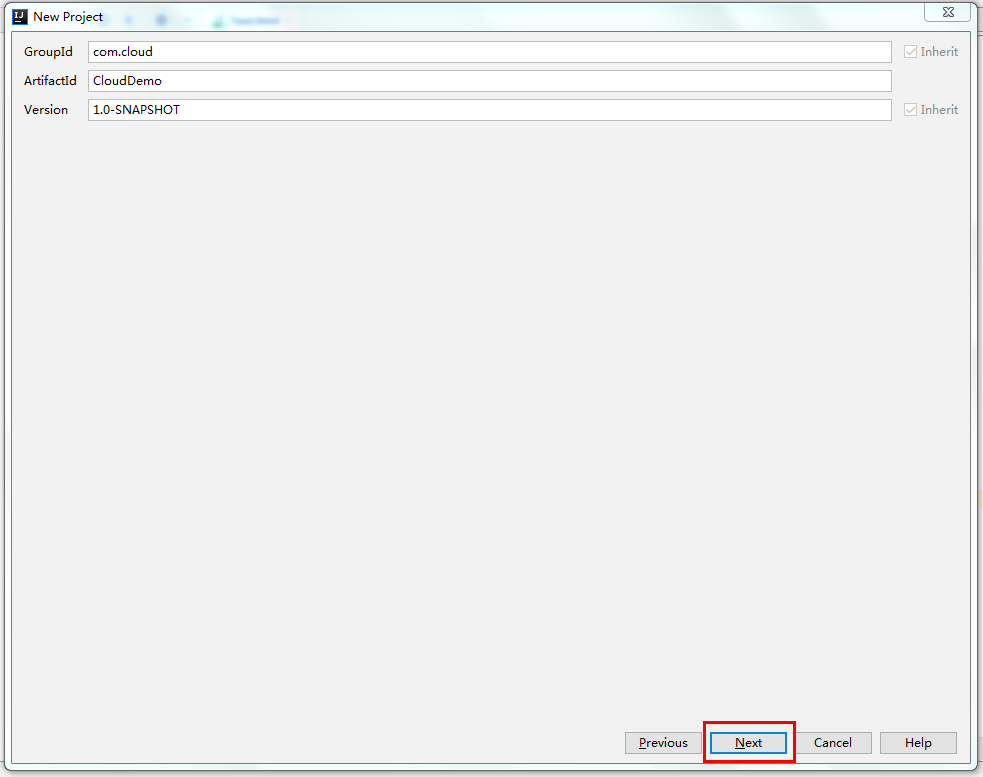
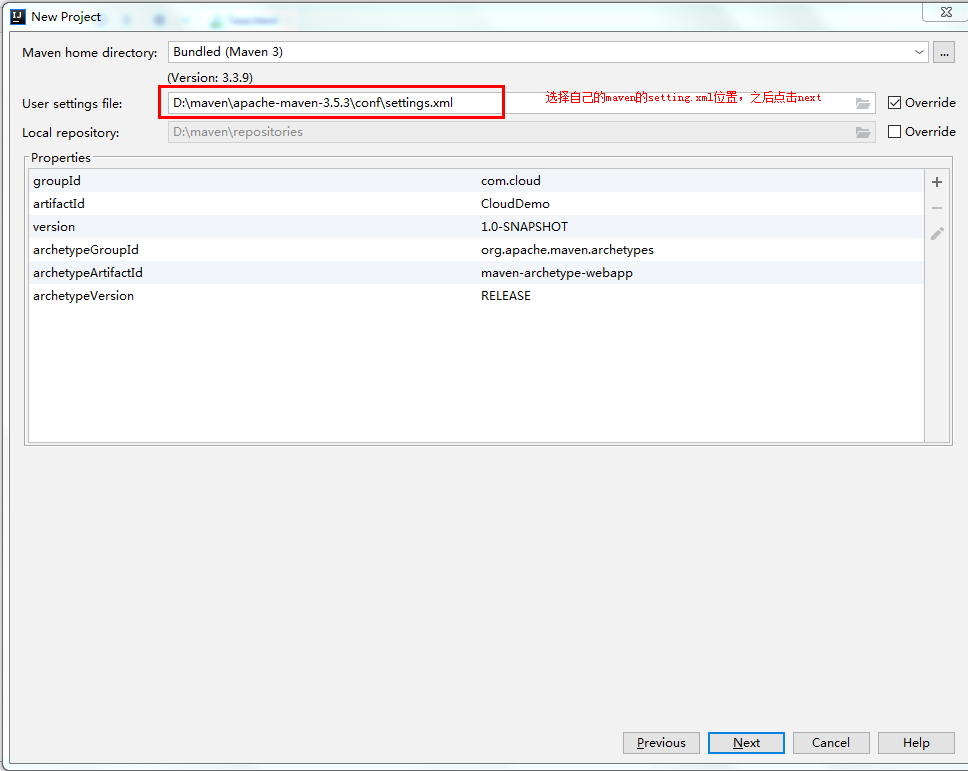
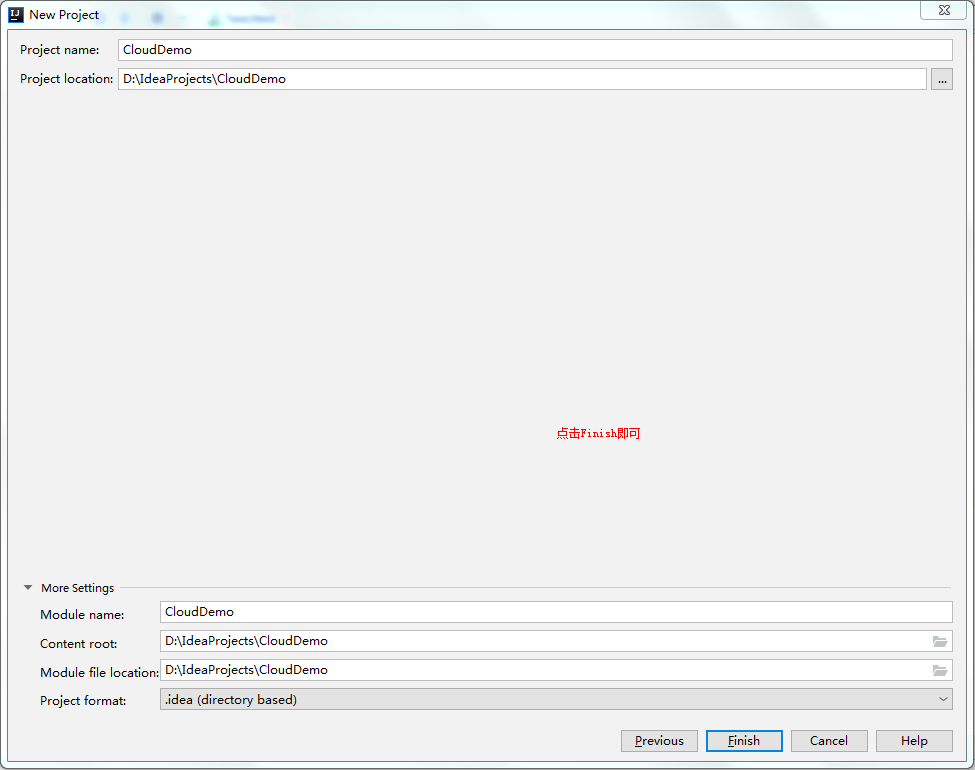
然后删除src目录
二:搭建注册中心
①在CloudDemo项目上新建Module

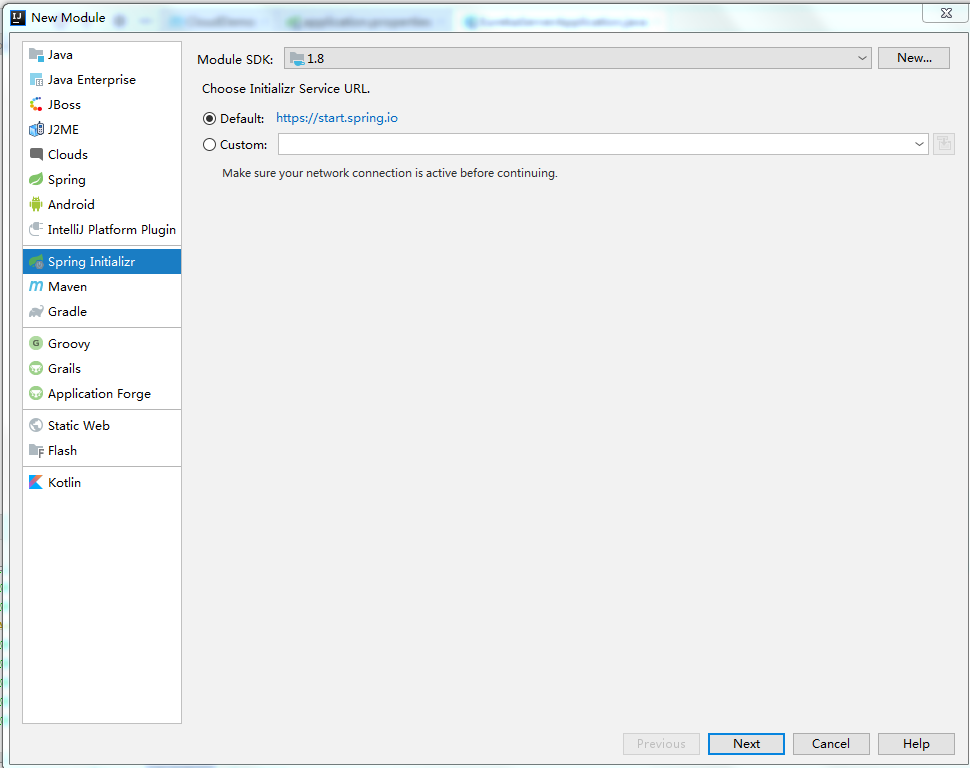
②选择Spring Initializr,点击Next
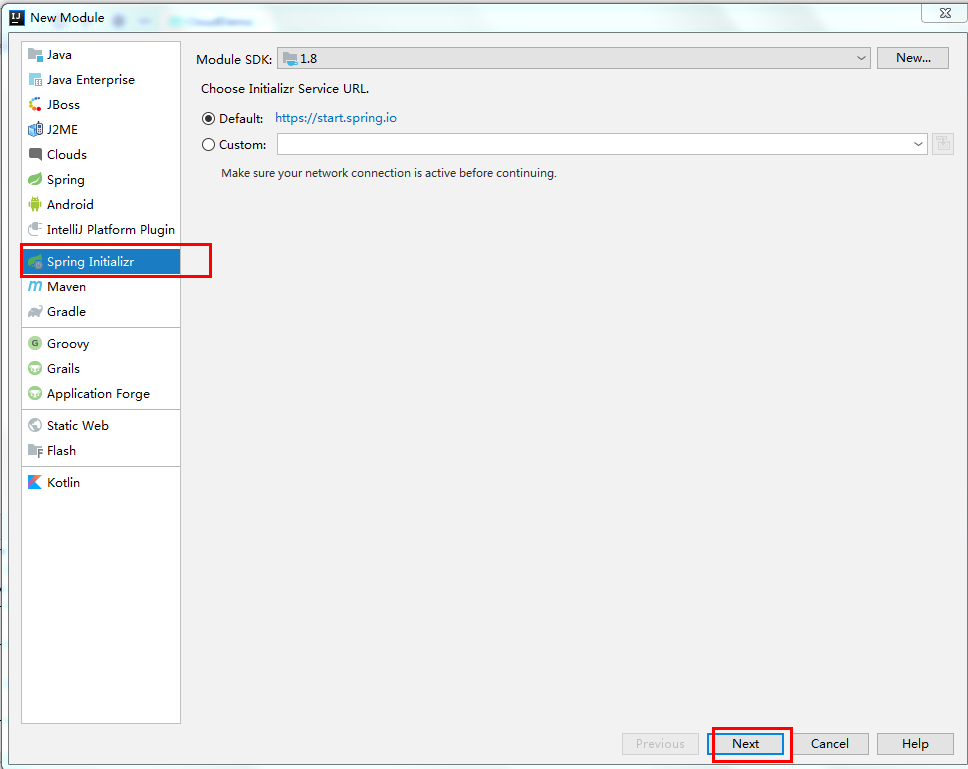
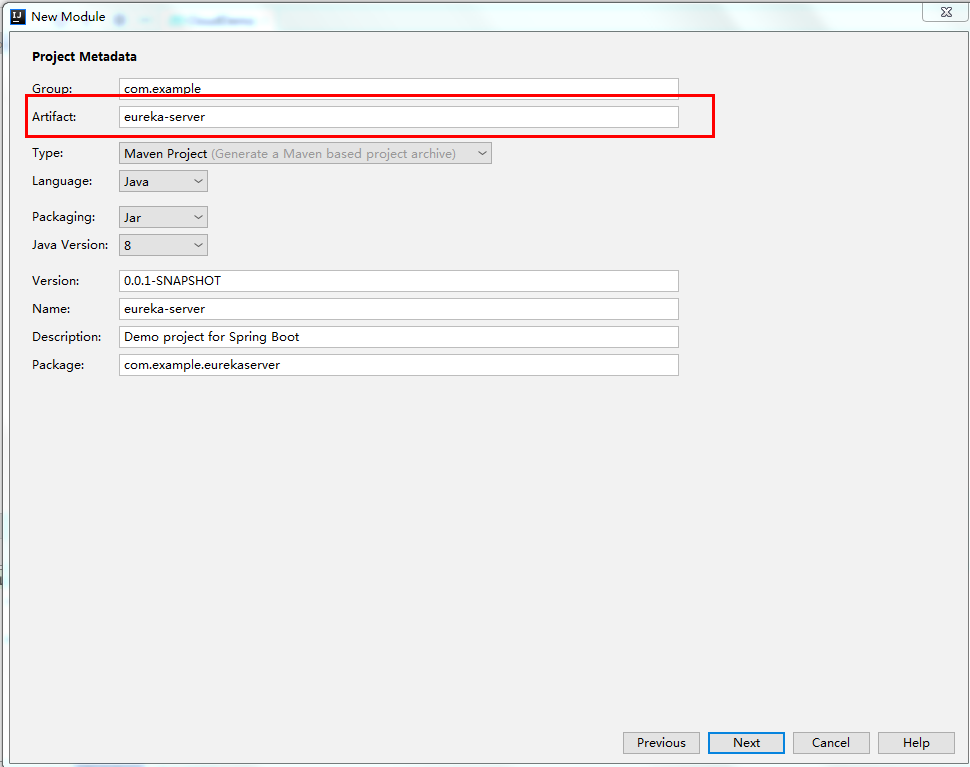
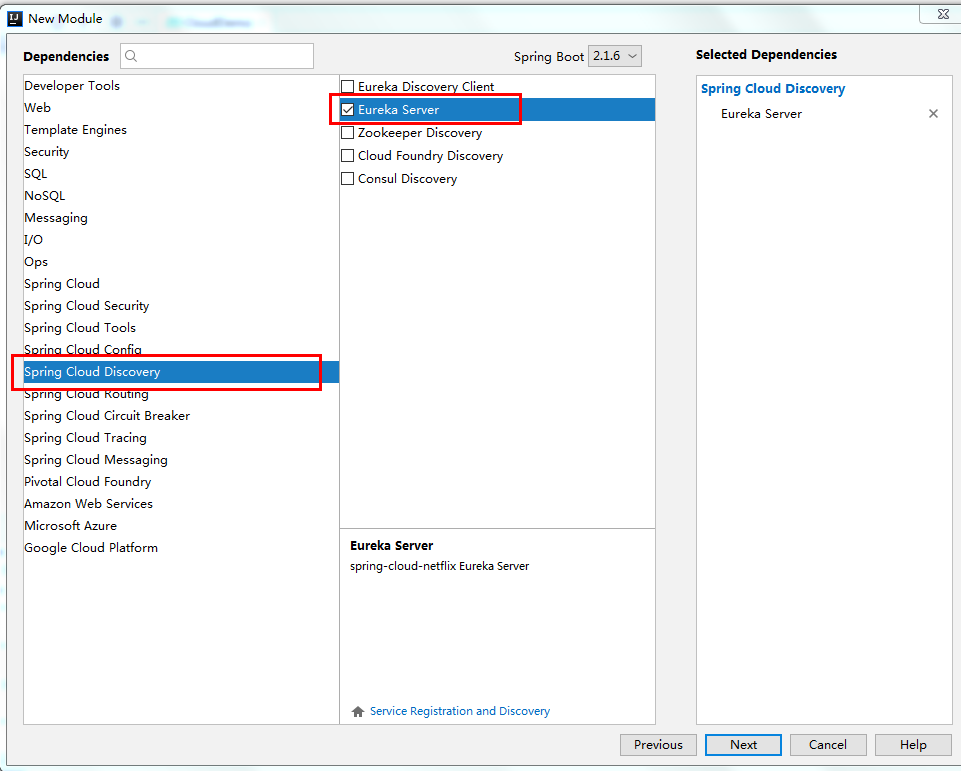
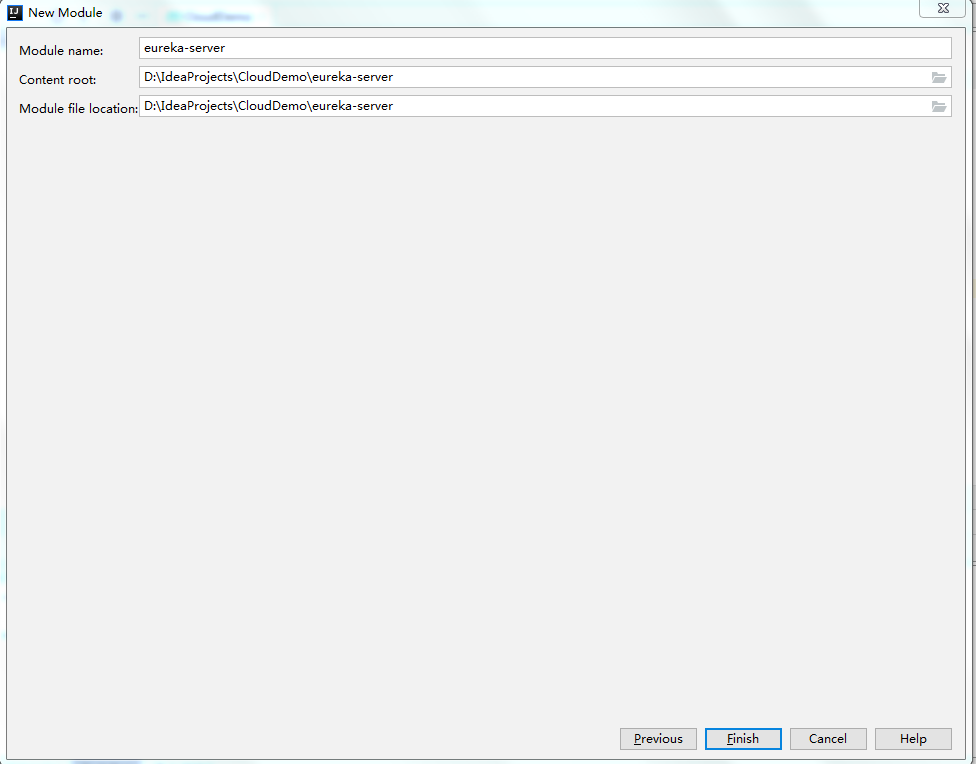
目录结构
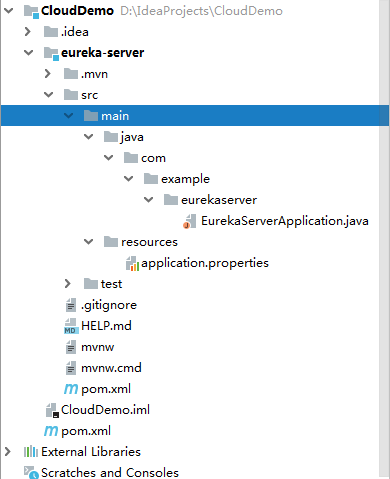
③在启动类添加注解表明是注册中心
@EnableEurekaServer 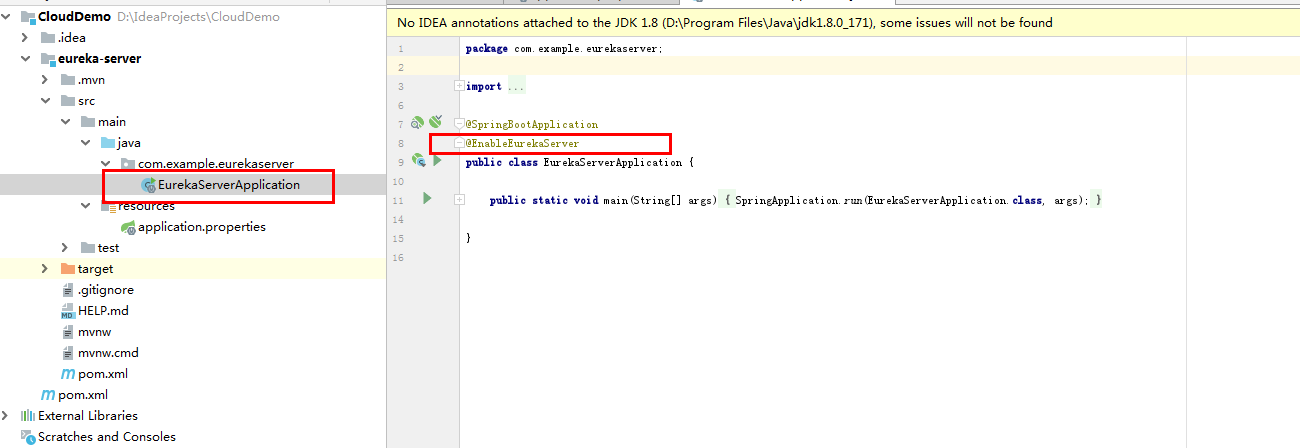
④打开application.properties文件进行编辑
#注册中心端口号
server.port=1010
#注册中心IP地址
eureka.instance.hostname=localhost
#服务注册中心不注册自己
eureka.client.register-with-eureka=false
#注册中心不负责检索服务
eureka.client.fetch-registry=false
eureka.client.service-url.defaultZone=http://${eureka.instance.hostname}:${server.port}/eureka/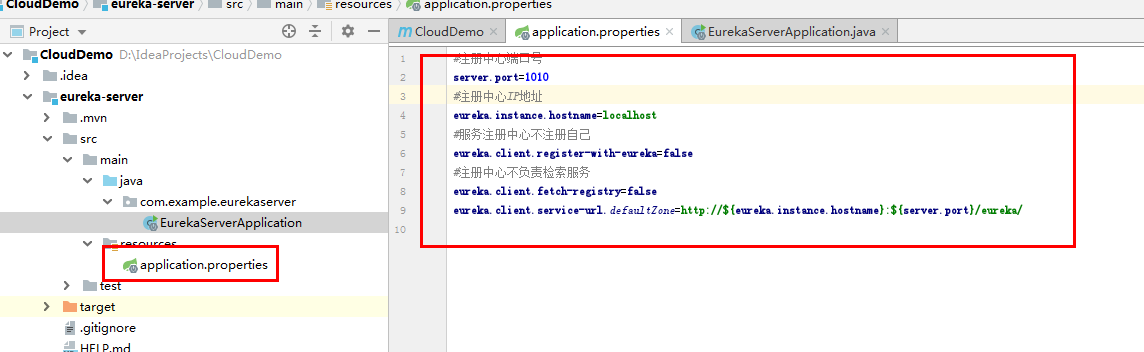
⑤启动项目
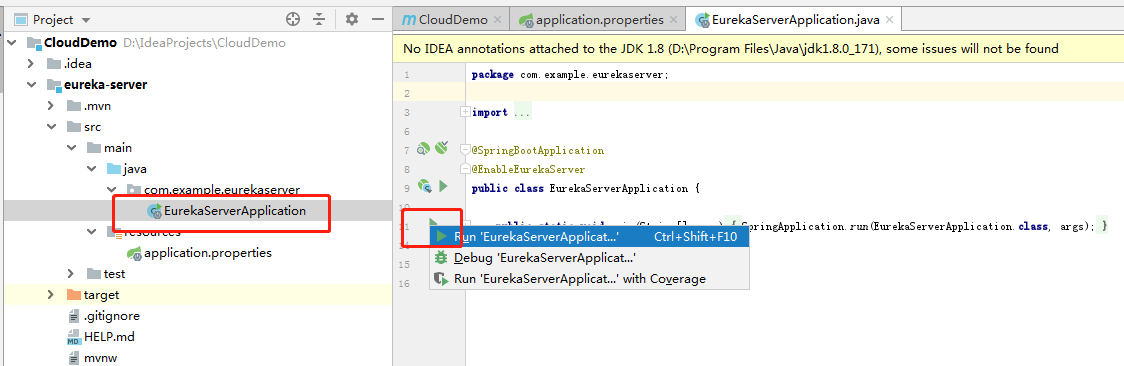
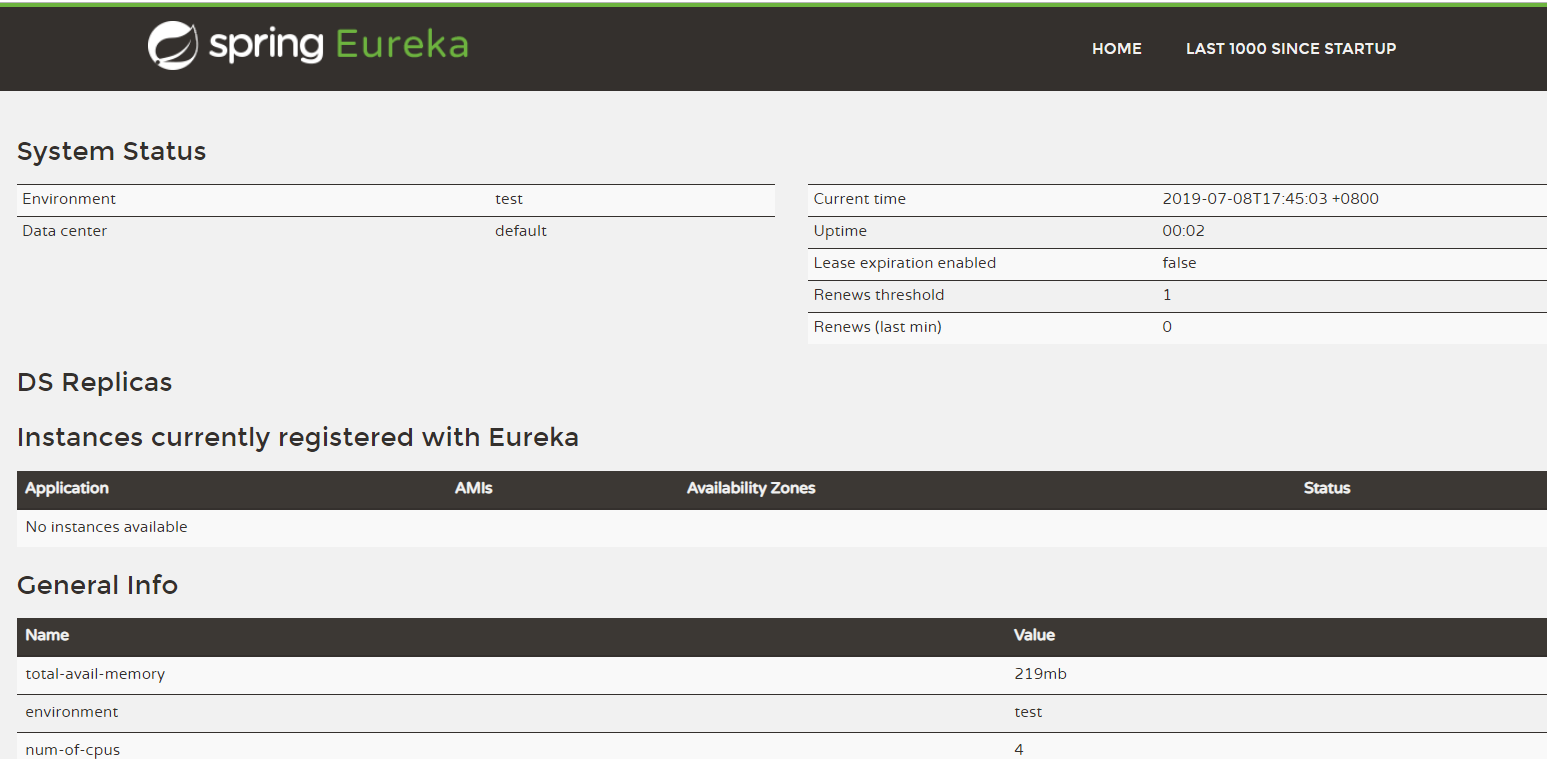
⑥访问 http://localhost:1010/
注册中心完成
三:服务提供者
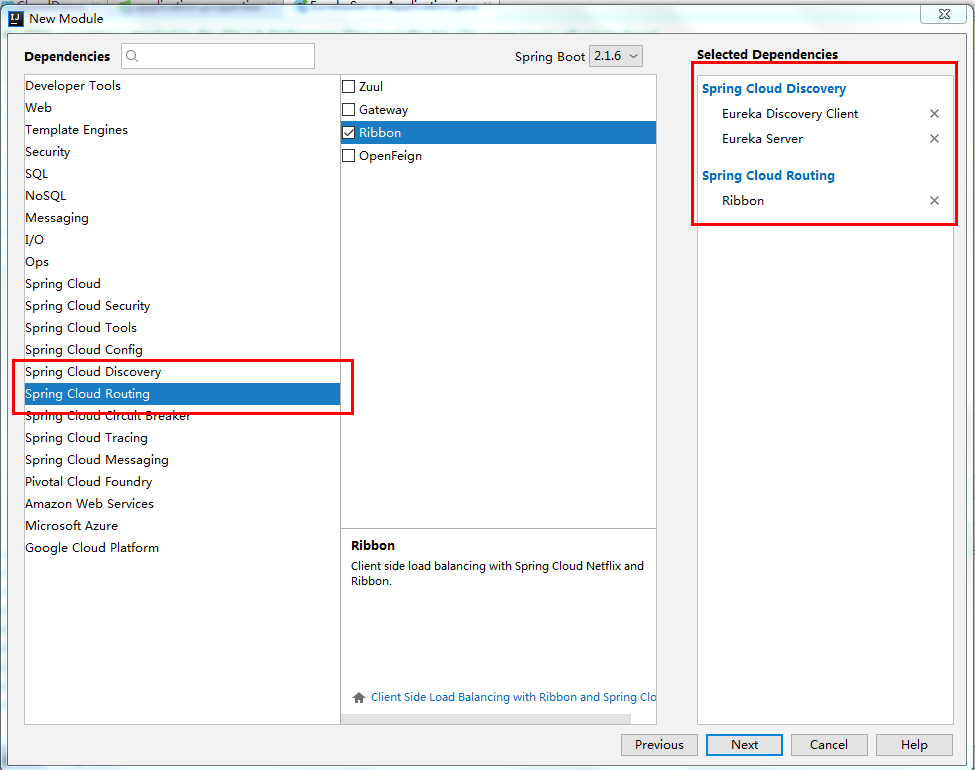
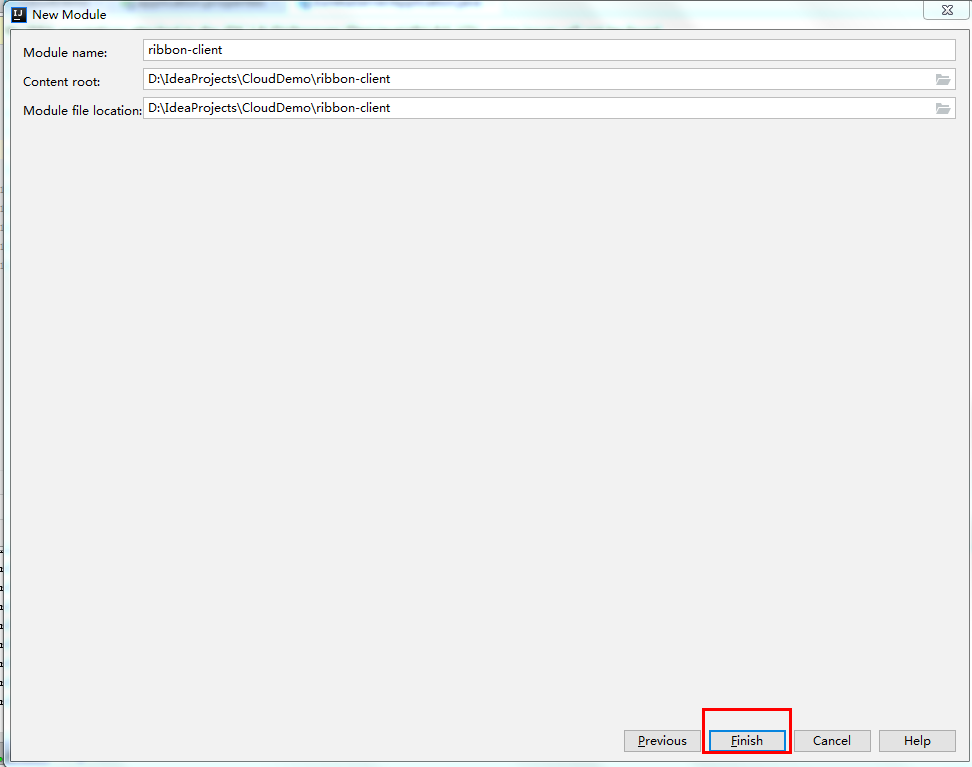
①新建Module
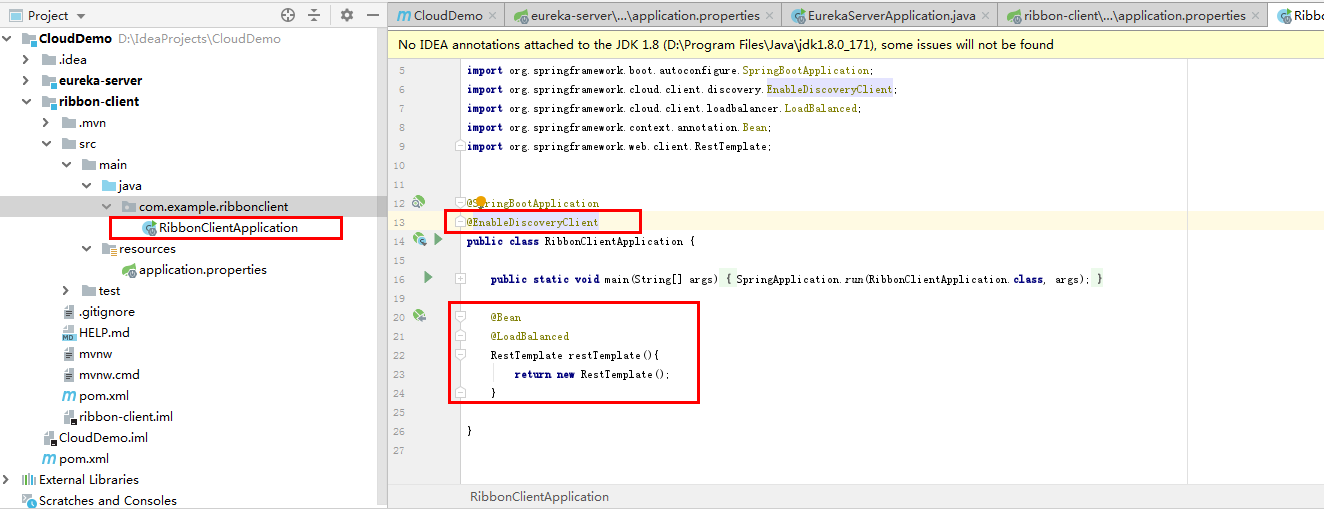
②添加注解
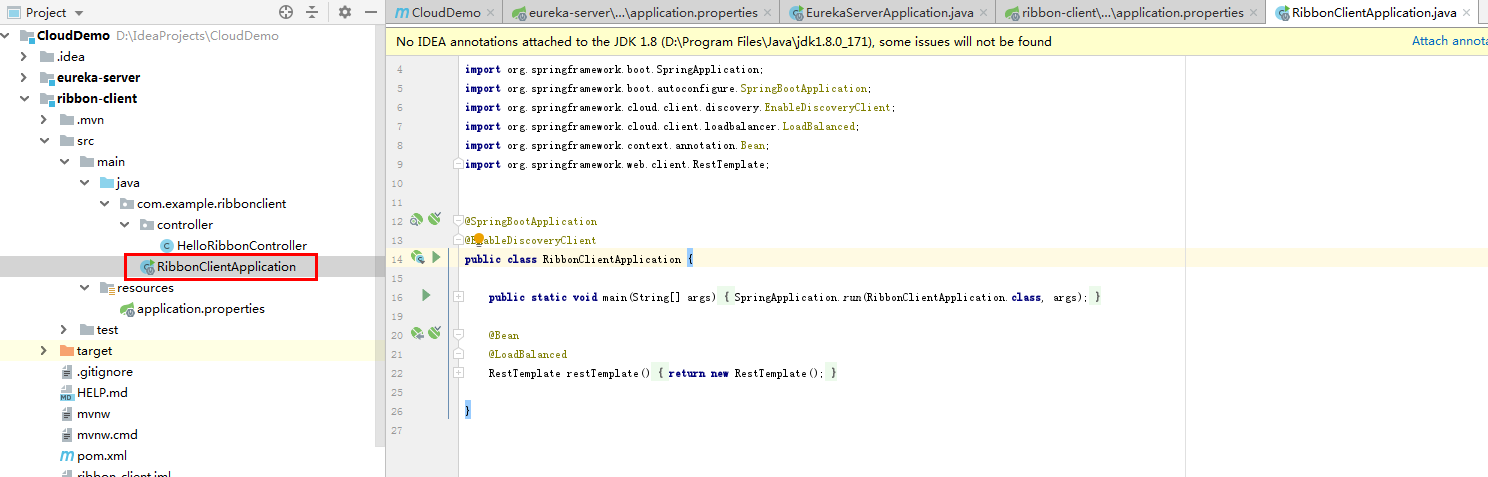
package com.example.ribbonclient;

import org.springframework.beans.factory.annotation.Autowired;
import org.springframework.boot.SpringApplication;
import org.springframework.boot.autoconfigure.SpringBootApplication;
import org.springframework.cloud.client.discovery.EnableDiscoveryClient;
import org.springframework.cloud.client.loadbalancer.LoadBalanced;
import org.springframework.context.annotation.Bean;
import org.springframework.web.client.RestTemplate;


@SpringBootApplication
@EnableDiscoveryClient
public class RibbonClientApplication {

    public static void main(String[] args) {
        SpringApplication.run(RibbonClientApplication.class, args);
    }

    @Bean
    @LoadBalanced
    RestTemplate restTemplate(){
        return new RestTemplate();
    }

}
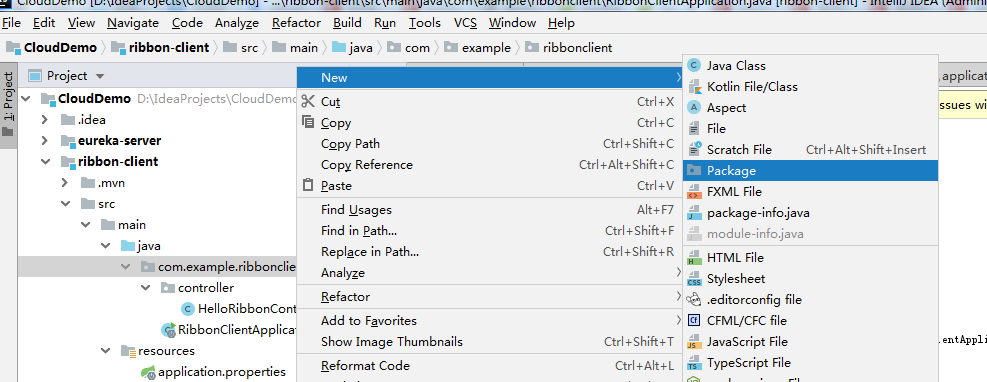
③新建包controller
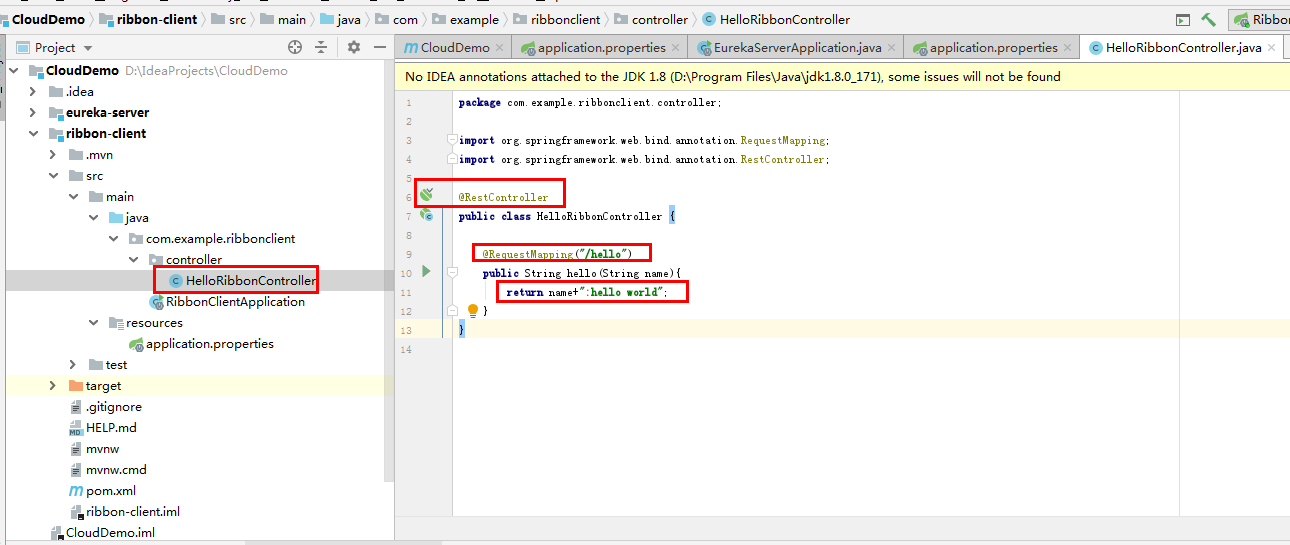
④新建java文件HelloRibbonControler
@RestController
public class HelloRibbonController {

    @RequestMapping("/hello")
    public String hello(String name){
        return name+":hello world";
    }
}
⑤配置application.properties文件
server.port=1011
eureka.instance.hostname=localhost
spring.application.name=ribbon-client
eureka.client.service-url.defaultZone=http://${eureka.instance.hostname}:1010/eureka/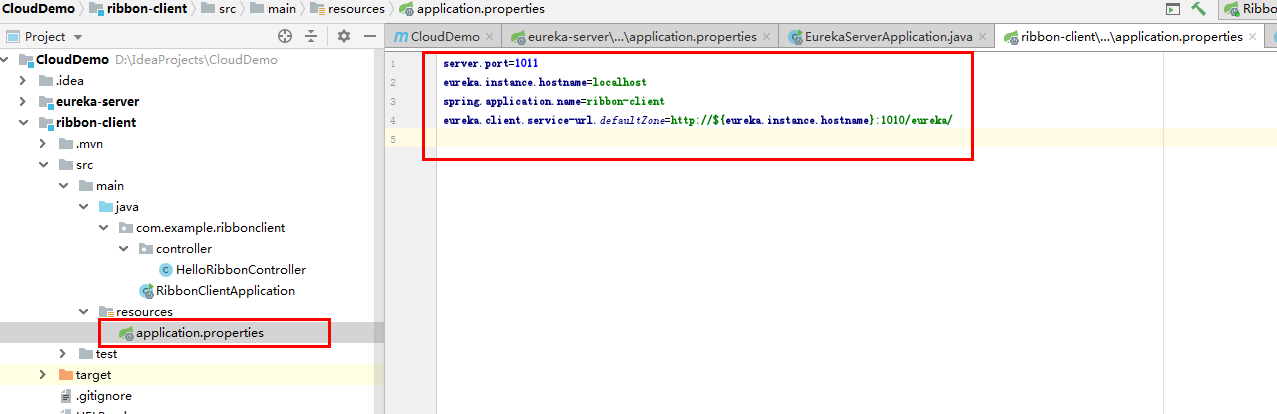
⑥启动项目
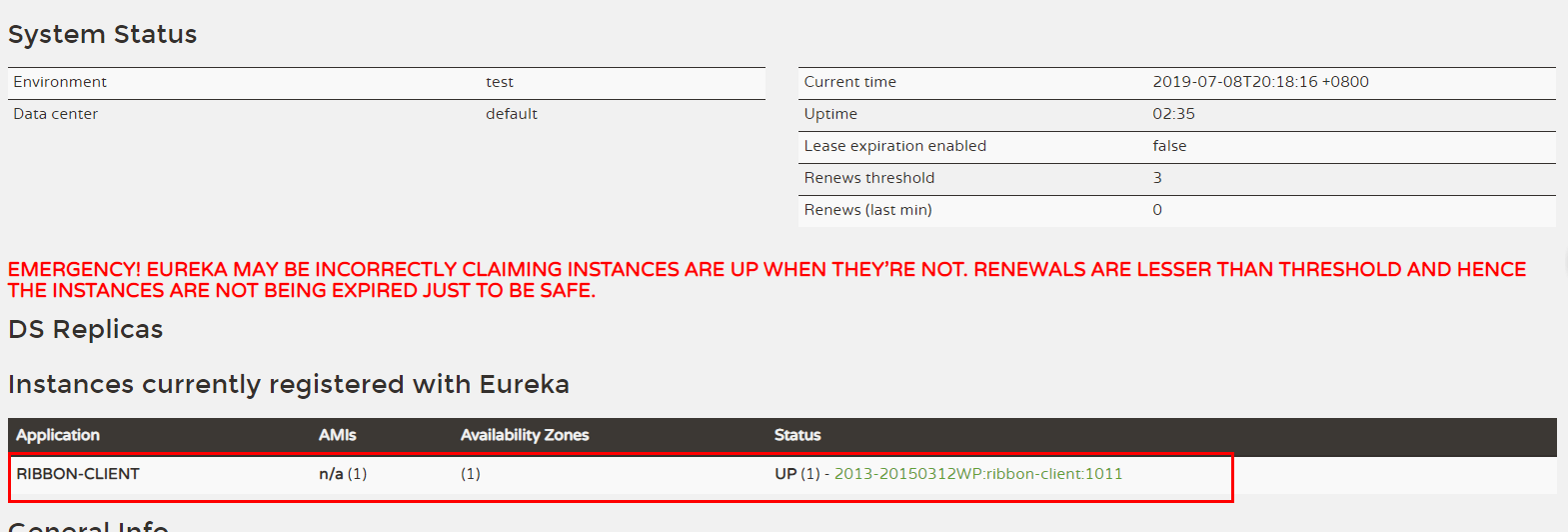
⑦访问http://localhost:1010/
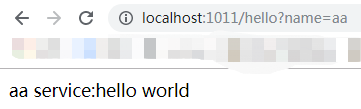
http://localhost:1011/hello?name=aa

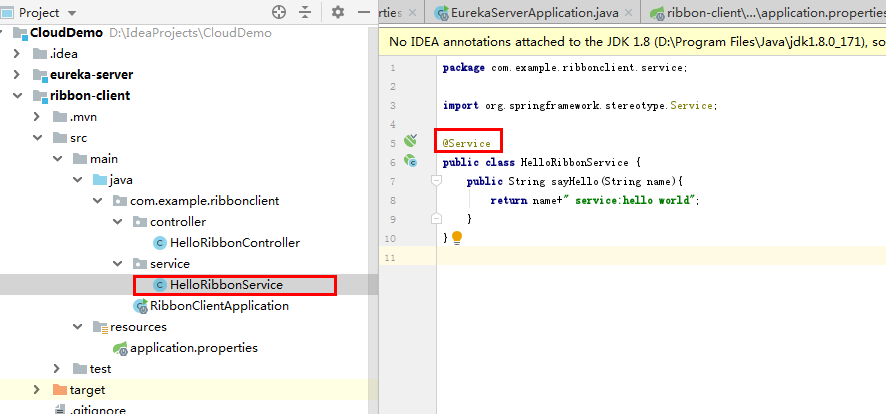
⑧也可以新建service,controller调用service
@Service
public class HelloRibbonService {
    public String sayHello(String name){
        return name+" service:hello world";
    }
}
访问结果
四:服务消费者
①新建项目ribbon-consumer
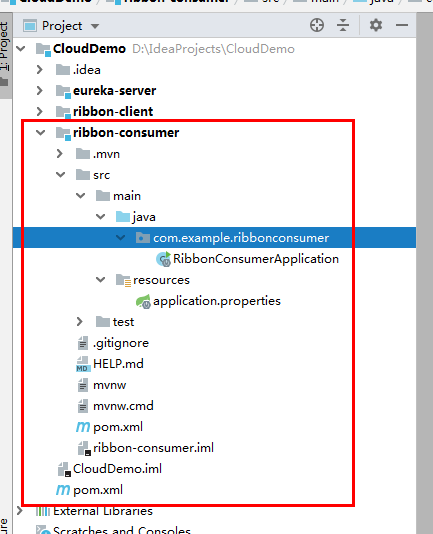
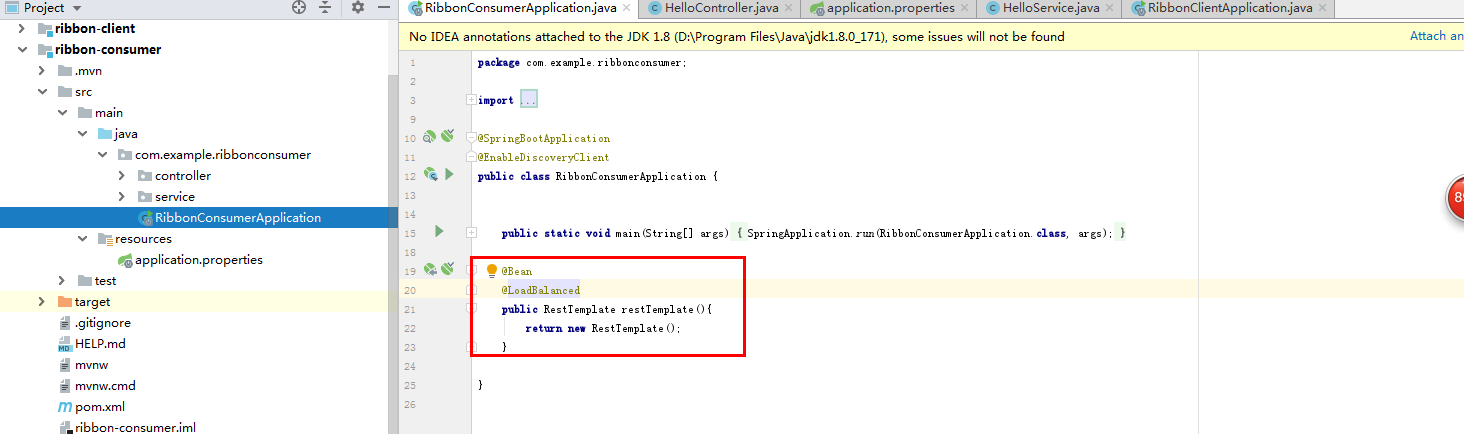
②需要加上RestTemplate老调用服务
@SpringBootApplication
@EnableDiscoveryClient
public class RibbonConsumerApplication {


    public static void main(String[] args) {
        SpringApplication.run(RibbonConsumerApplication.class, args);
    }

    @Bean
    @LoadBalanced
    public RestTemplate restTemplate(){
        return new RestTemplate();
    }

}
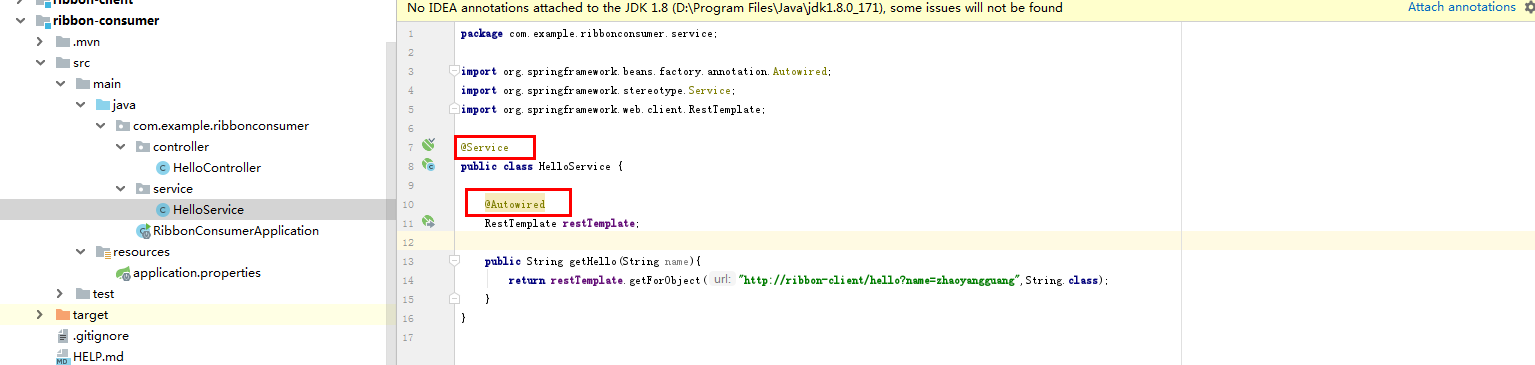
③建controller和service层
service代码如下
@Service
public class HelloService {

    @Autowired
    RestTemplate restTemplate;

    public String getHello(String name){
        return restTemplate.getForObject("http://ribbon-client/hello?name=zhaoyangguang",String.class);
    }
}
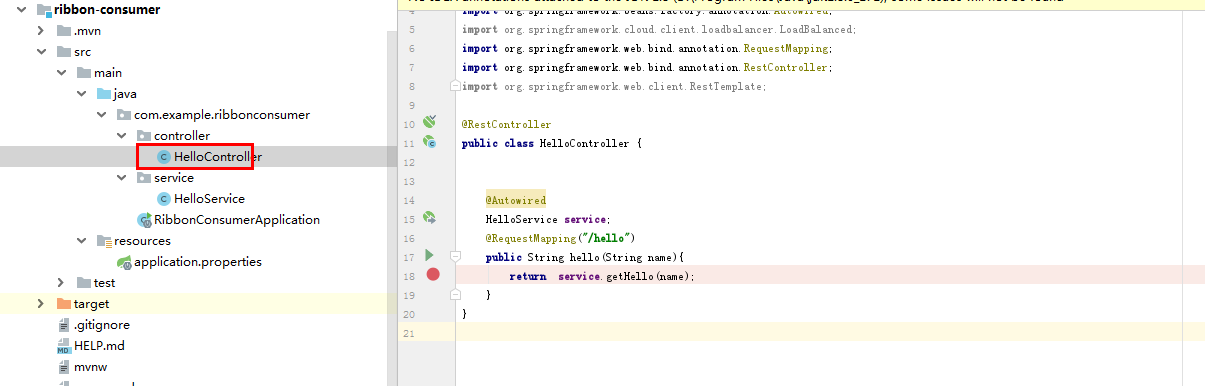
controller代码如下
@RestController
public class HelloController {


    @Autowired
    HelloService service;
    @RequestMapping("/hello")
    public String hello(String name){
        return  service.getHello(name);
    }
}
④application.properties配置信息
server.port=1012
spring.application.name=ribbon-consumer
eureka.instance.hostname=localhost
eureka.client.service-url.defaultZone=http://${eureka.instance.hostname}:1010/eureka/
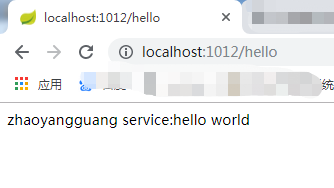
⑤访问http://localhost:1012/hello
最后
以上就是调皮大地最近收集整理的关于IDEA搭建springcloud微服务三:服务提供者四:服务消费者的全部内容,更多相关IDEA搭建springcloud微服务三内容请搜索靠谱客的其他文章。
本图文内容来源于网友提供,作为学习参考使用,或来自网络收集整理,版权属于原作者所有。








发表评论 取消回复