博客力求最简单,最有效,尽量少用术语。
第一步:安装依赖
npm install three --save
npm install photo-sphere-viewer --save
第二步:引入依赖并使用
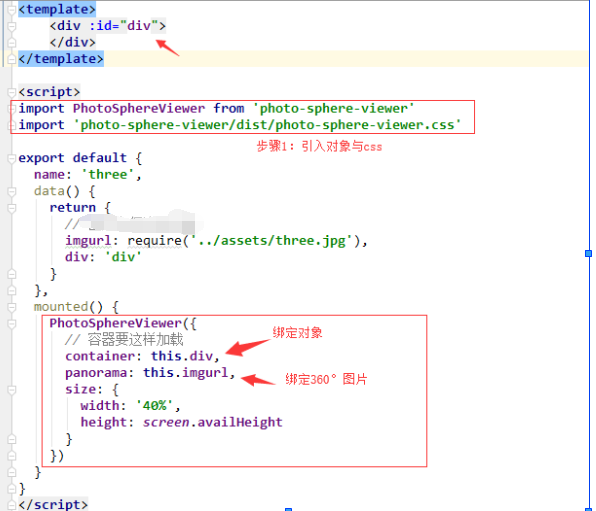
import PhotoSphereViewer from 'photo-sphere-viewer'
import 'photo-sphere-viewer/dist/photo-sphere-viewer.css'
this.displayPanoramadata = true
this.panoramadata = PhotoSphereViewer({
container: this.div, // 必须的参数:绑定的容器
panorama: this.imgurl, // 必须的参数:图片路径
size: {
width: '680',
height: '400'
}
})
}这样就可以配置一个最初级的全景浏览。
番外:参数配置:
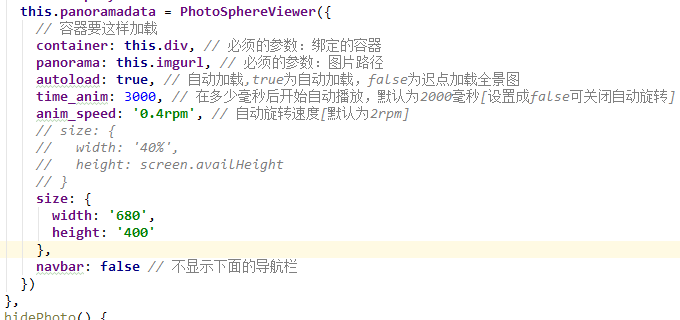
这里只列举了一些常见的配置,更加详细的配置可以自行查找。
番外:效果图:
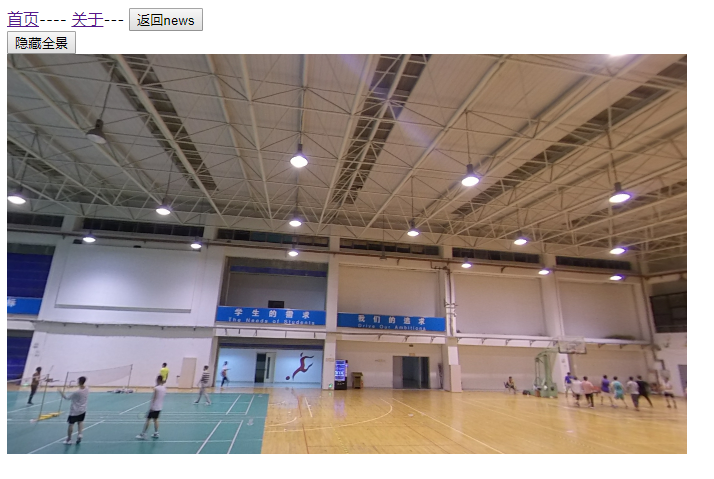
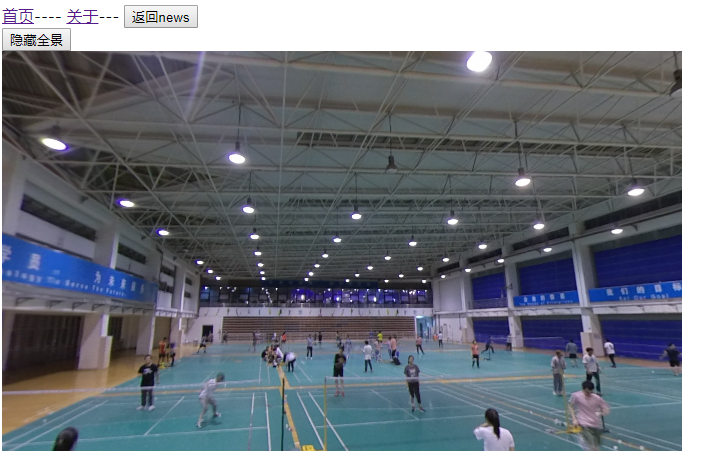
最后
以上就是真实口红最近收集整理的关于vue组件使用 - photo-sphere-viewer加载360°全景图片的全部内容,更多相关vue组件使用内容请搜索靠谱客的其他文章。
本图文内容来源于网友提供,作为学习参考使用,或来自网络收集整理,版权属于原作者所有。








发表评论 取消回复