bootstarp.yml中的@识别不了
报错详情
Exception in thread "main" while scanning for the next token

found character '@' that cannot start any token. (Do not use @ for indentation)

 in 'reader', line 4, column 11:

        version: @project.verion@
解决方案即为:
在terminal中,项目的目录下运行
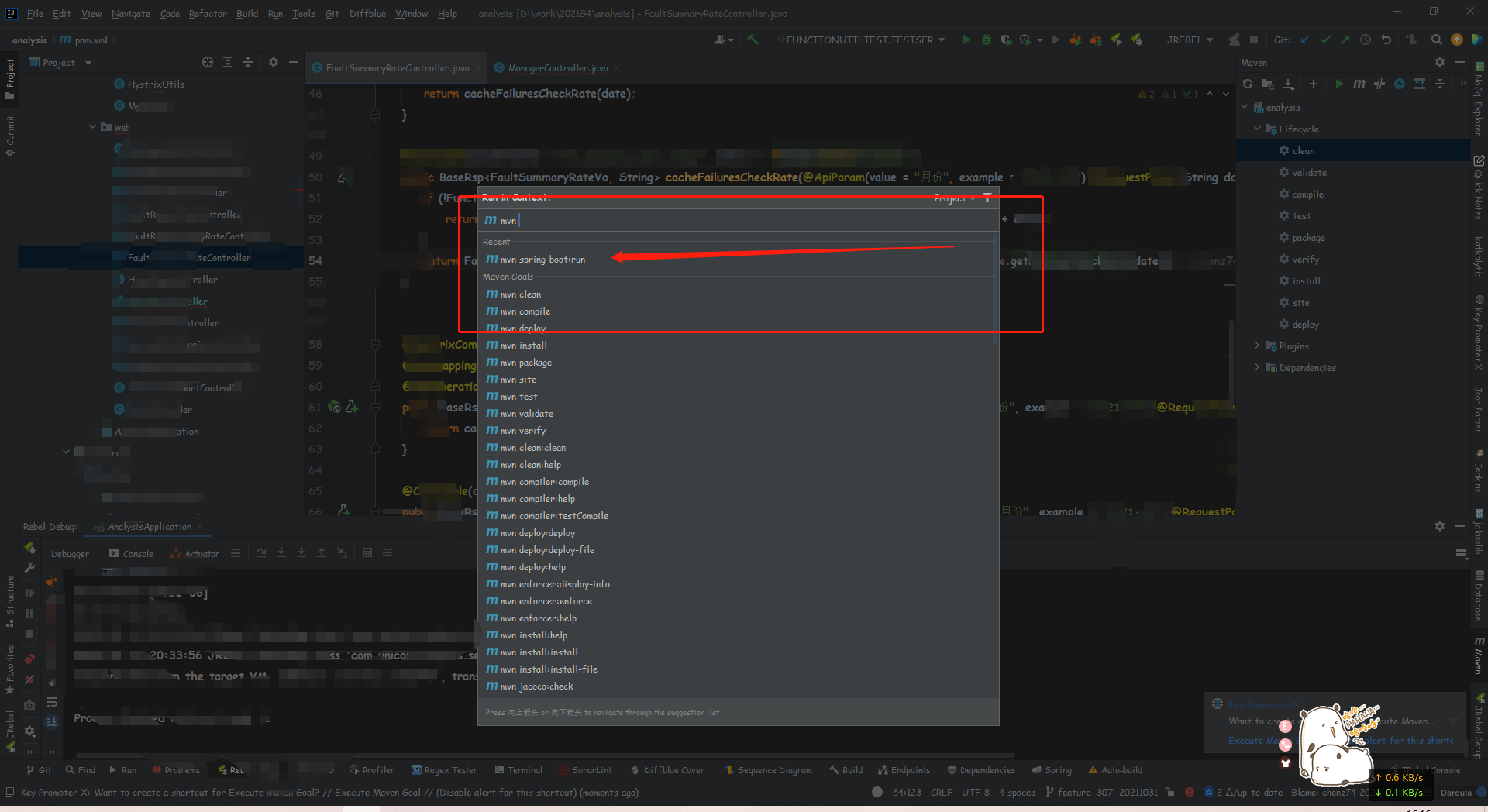
mvn spring-boot:run
也就是直接用mvn命令让spring boot运行一次,然后再通过配置文件获取mvn的配置就不会报错了。
而对于我们看到的,网上流传的各种解决方法,包括stackoverflow上的回答,也都是针对,需要返回一个@开头字符串而提出的,也就是加个引号,那就等于没解决。
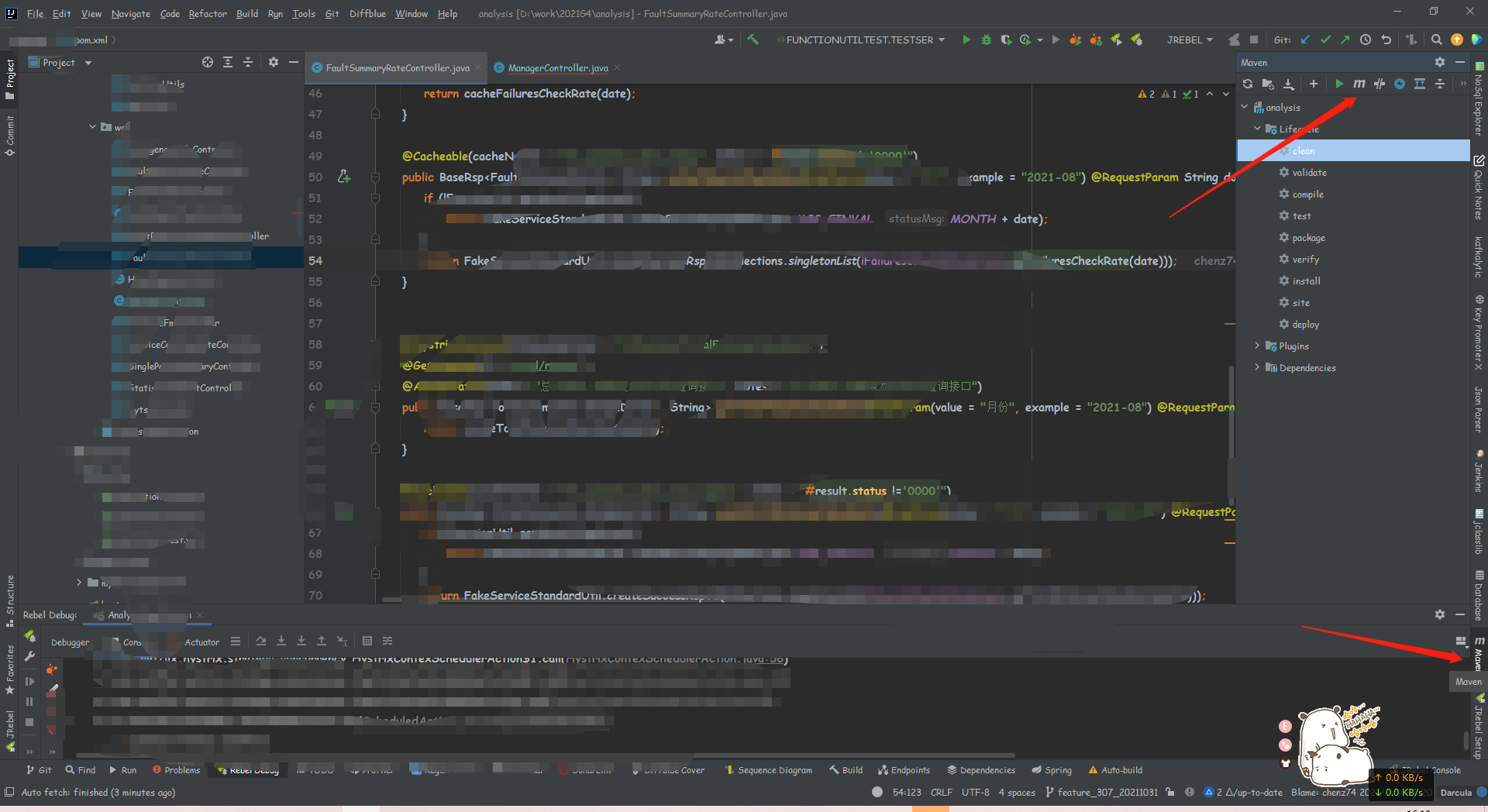
idea中如何操作
在侧边窗格找到Maven
最后
以上就是醉熏小蚂蚁最近收集整理的关于bootstarp.yml中的@识别不了idea中如何操作的全部内容,更多相关bootstarp.yml中内容请搜索靠谱客的其他文章。
本图文内容来源于网友提供,作为学习参考使用,或来自网络收集整理,版权属于原作者所有。








发表评论 取消回复