Android自定义Textview 蒙语显示(蒙古文字)
竖排Textview 自动换行 从左到右
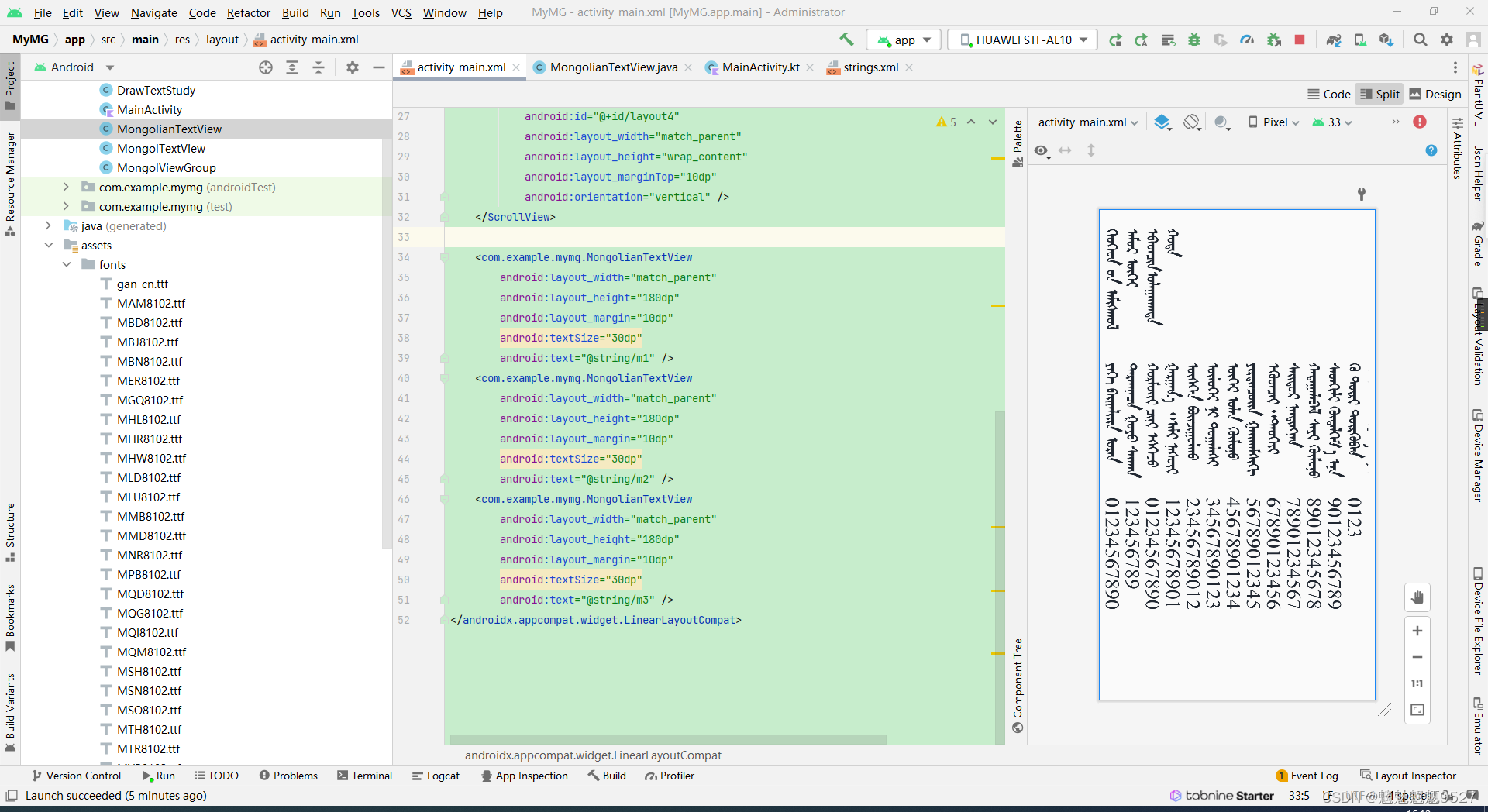
蒙语字体包
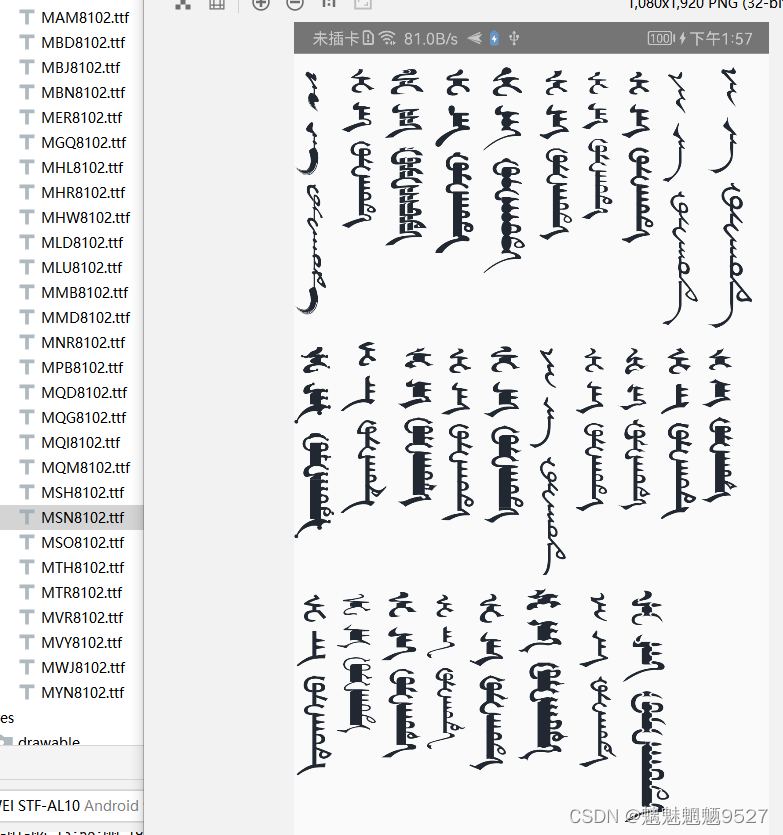
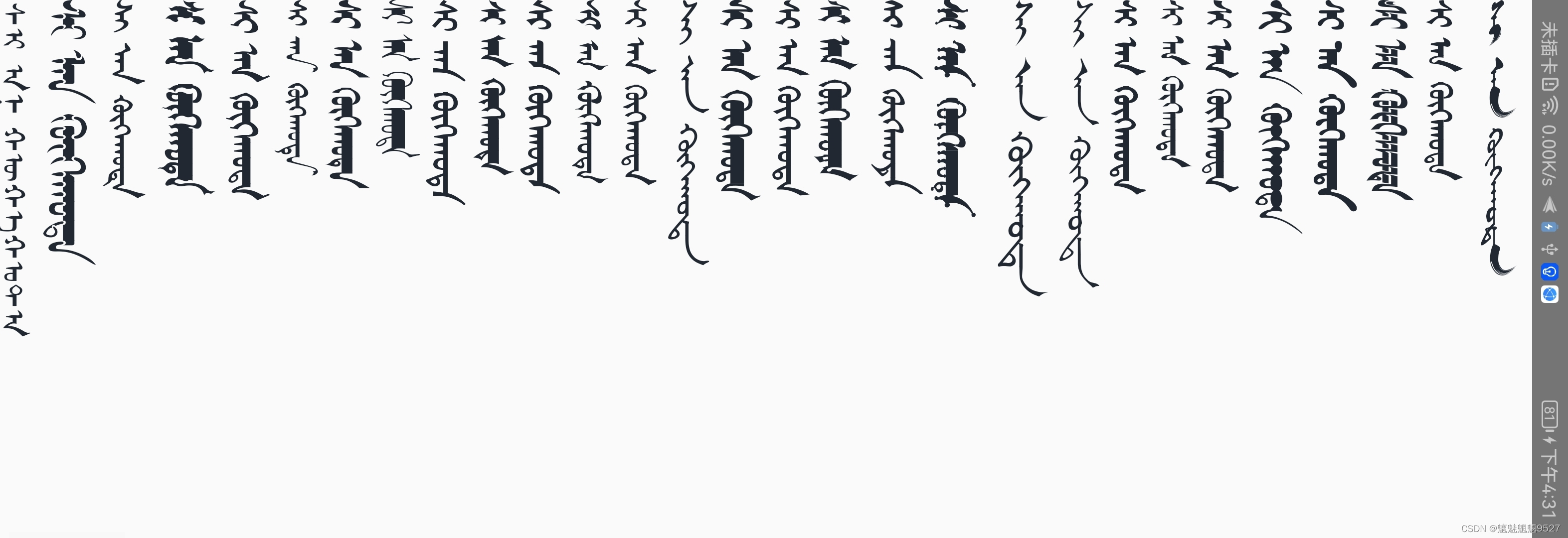
demo下载地址
https://download.csdn.net/download/qq_28934205/87364767
package com.example.mymg;

import android.content.Context;
import android.graphics.Canvas;
import android.graphics.Paint;
import android.graphics.Typeface;
import android.text.Layout;
import android.text.StaticLayout;
import android.text.TextPaint;
import android.util.AttributeSet;

/**
 * 蒙古文本视图
 *
 * @author zhangpenghui
 * @date 2023/01/05
 */
public class MongolianTextView extends androidx.appcompat.widget.AppCompatTextView {

    // This class does not rotate the textview. It only displays the Mongol font.
    // For use with MongolLayout, which does all the rotation and mirroring.

    // Constructors
    public MongolianTextView(Context context, AttributeSet attrs, int defStyle) {
        super(context, attrs, defStyle);
        init();
    }

    public MongolianTextView(Context context, AttributeSet attrs) {
        super(context, attrs);
        init();
    }

    public MongolianTextView(Context context) {
        super(context);
        init();
    }

    // This class requires the mirrored Mongolian font to be in the assets/fonts folder
    private void init() {
        Typeface tf = Typeface.createFromAsset(getContext().getAssets(), "fonts/MLD8102.ttf");
        setTypeface(tf);

    }

    @Override
    protected void onMeasure(int widthMeasureSpec, int heightMeasureSpec) {
        // swap the height and width
        super.onMeasure(heightMeasureSpec, widthMeasureSpec);
        setMeasuredDimension(getMeasuredHeight(), getMeasuredWidth());
    }

    private TextPaint textPaint;

    @Override
    protected void onDraw(Canvas canvas) {
//        super.onDraw(canvas);
        textPaint = getPaint();
        textPaint.setColor(getCurrentTextColor());
        textPaint.drawableState = getDrawableState();
        float textSize = getTextSize();
        String str = getText().toString();
        StaticLayout staticLayout = new StaticLayout(str, textPaint, canvas.getHeight(), Layout.Alignment.ALIGN_NORMAL, 1.0f, 0.0f, false);
        int lineCount = staticLayout.getLineCount();

        for (int i = 0; i < lineCount; i++) {
            int start = staticLayout.getLineStart(i);
            int end = staticLayout.getLineStart(i + 1);
            String substring = str.substring(start, end);
            drawText(canvas, substring, textSize * i, 0, textPaint, 90);
        }
//        drawText(canvas, getText().toString(), 0, 0, textPaint, 90);

    }

    void drawText(Canvas canvas, String text, float x, float y, Paint paint, float angle) {
        if (angle != 0) {
            canvas.rotate(angle, x, y);
        }
        canvas.drawText(text, x, y, paint);
        if (angle != 0) {
            canvas.rotate(-angle, x, y);
        }
    }
}
最后
以上就是完美信封最近收集整理的关于Android自定义Textview 蒙语显示(蒙古文字)的全部内容,更多相关Android自定义Textview内容请搜索靠谱客的其他文章。
本图文内容来源于网友提供,作为学习参考使用,或来自网络收集整理,版权属于原作者所有。






![android 强制竖排,[Android]实现文字竖排](https://www.shuijiaxian.com/files_image/reation/bcimg17.png)

发表评论 取消回复