SAP Spartacus默认的购物车图标如下图所示:
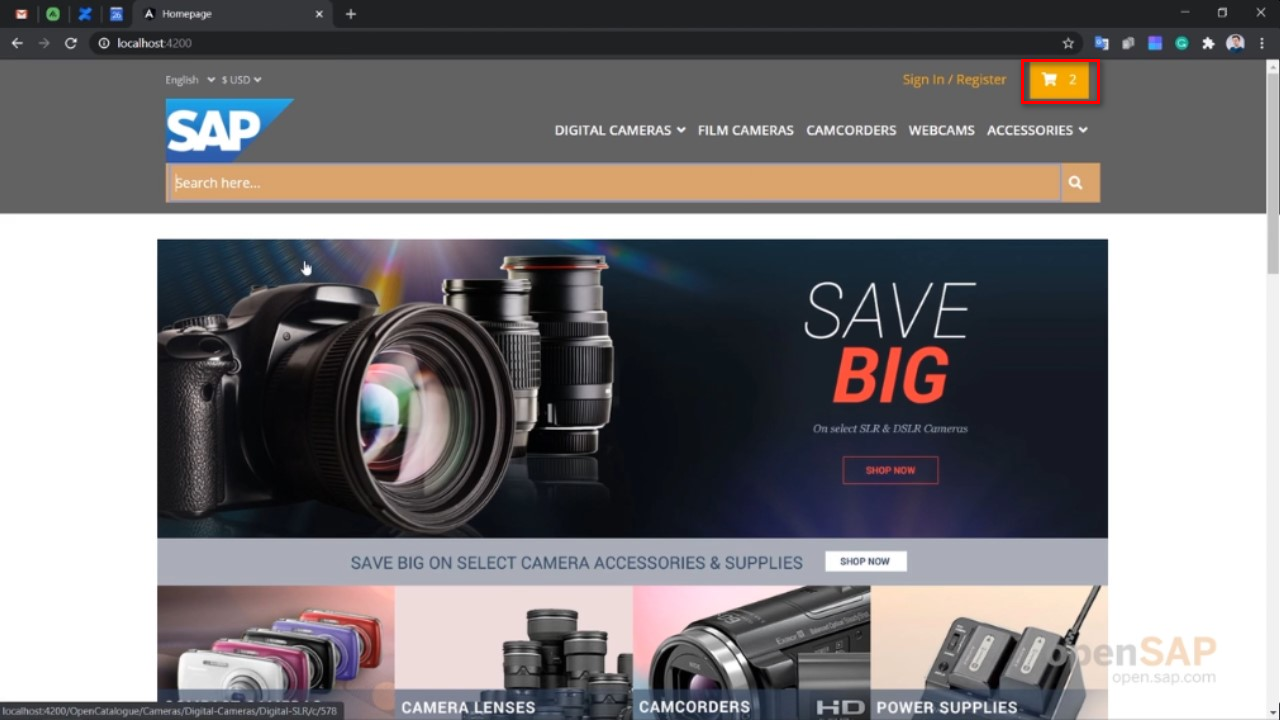
使用如下的css代码对其外观进行修改:
/* You can add global styles to this file, and also import other style files */
$skipComponentStyles: (cx-mini-cart);

@import "~@spartacus/styles/index";

@import "custom-styles";

cx-mini-cart {
  margin-right: unset;
  padding: 10px;
  position: relative;
  .count {
    position: absolute;
    border-radius: 50%;
    color: white;
    text-align: center;
    right: 0;
    top: 0;
  }
  .total {
    display: none;
  }
}
结果:
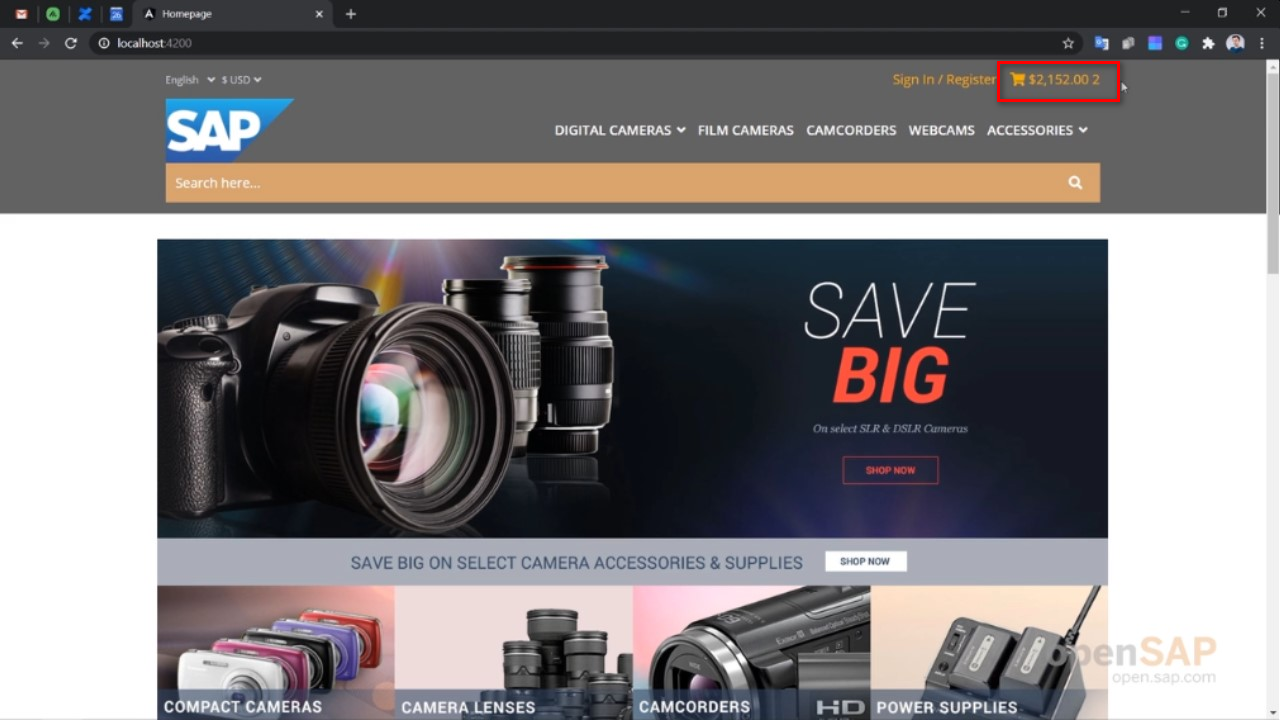
更多Jerry的原创文章,尽在:“汪子熙”:

最后
以上就是玩命香水最近收集整理的关于如何定制化SAP Spartacus的购物车图标的全部内容,更多相关如何定制化SAP内容请搜索靠谱客的其他文章。
本图文内容来源于网友提供,作为学习参考使用,或来自网络收集整理,版权属于原作者所有。








发表评论 取消回复