按钮:
    <view class="bottom-btn">
                    <van-button
            round
            type="default"
            color="#1296db"
            bindtap='jumpToDetail'
            >提交</van-button>
                            </view>
按钮wxss:
.bottom-btn {
    position: fixed;

     padding-left: 3rem;
    /* padding-right: 8%; */
    padding-top: 1rem;
    padding-bottom: 3rem;
    bottom: 0;
    width: 75%;
    height: 2rem;
    text-align: center;
    background-color: #ffffff;
}
.van-button{

    width:50%;
}
js代码:
 /** 跳转到首页页面 */
    jumpToDetail() {
        wx.showModal({
            title: '提示',
            content: '是否确认提交',
            success: function (res) {
                if (res.confirm) {
                    console.log('用户点击确定')
                    wx.showToast({
                        title: '成功',
                        duration: 1000,
                        success: function () {
                        setTimeout(function () {
                        wx.reLaunch({
                        url: '../index/index',
                          })
                        }, 1000);
                     }
                   })

                }else{
                   console.log('用户点击取消')
                }

            }
        })
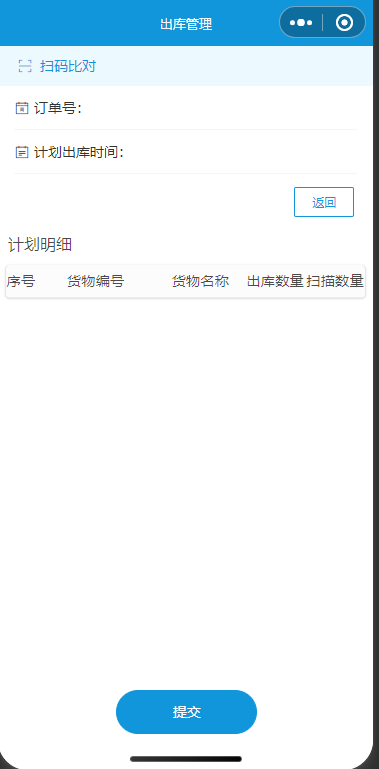
    },
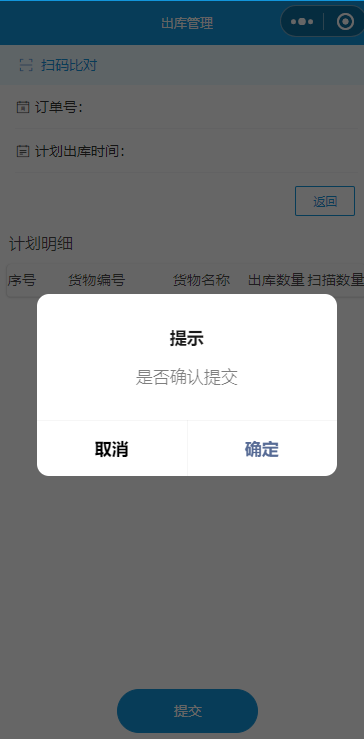
确认之后
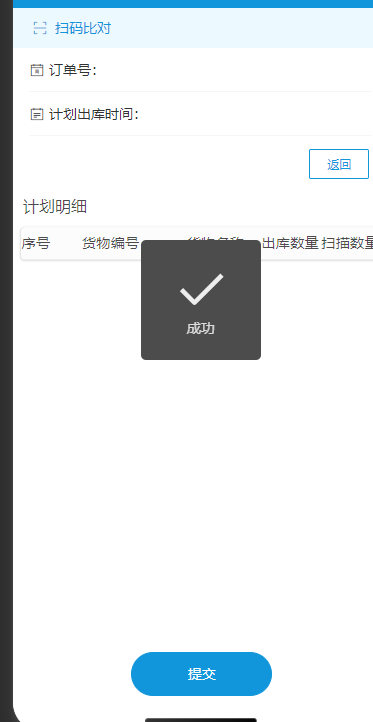
然后就跳转
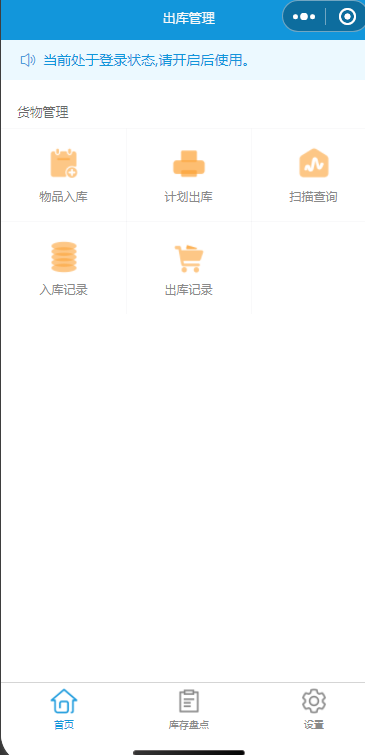
最后
以上就是天真狗最近收集整理的关于微信小程序点击按钮提交,弹框提示之后显示状态并跳转页面的全部内容,更多相关微信小程序点击按钮提交内容请搜索靠谱客的其他文章。
本图文内容来源于网友提供,作为学习参考使用,或来自网络收集整理,版权属于原作者所有。








发表评论 取消回复